A little guidance.
A better first cut.
Learn the editor with your own footage. Practical steps, familiar controls, and room to make the edit yours.
Start here
From setup to your first assisted edit.
Prepare local analysis, choose an assistant path, and make a small edit you can review.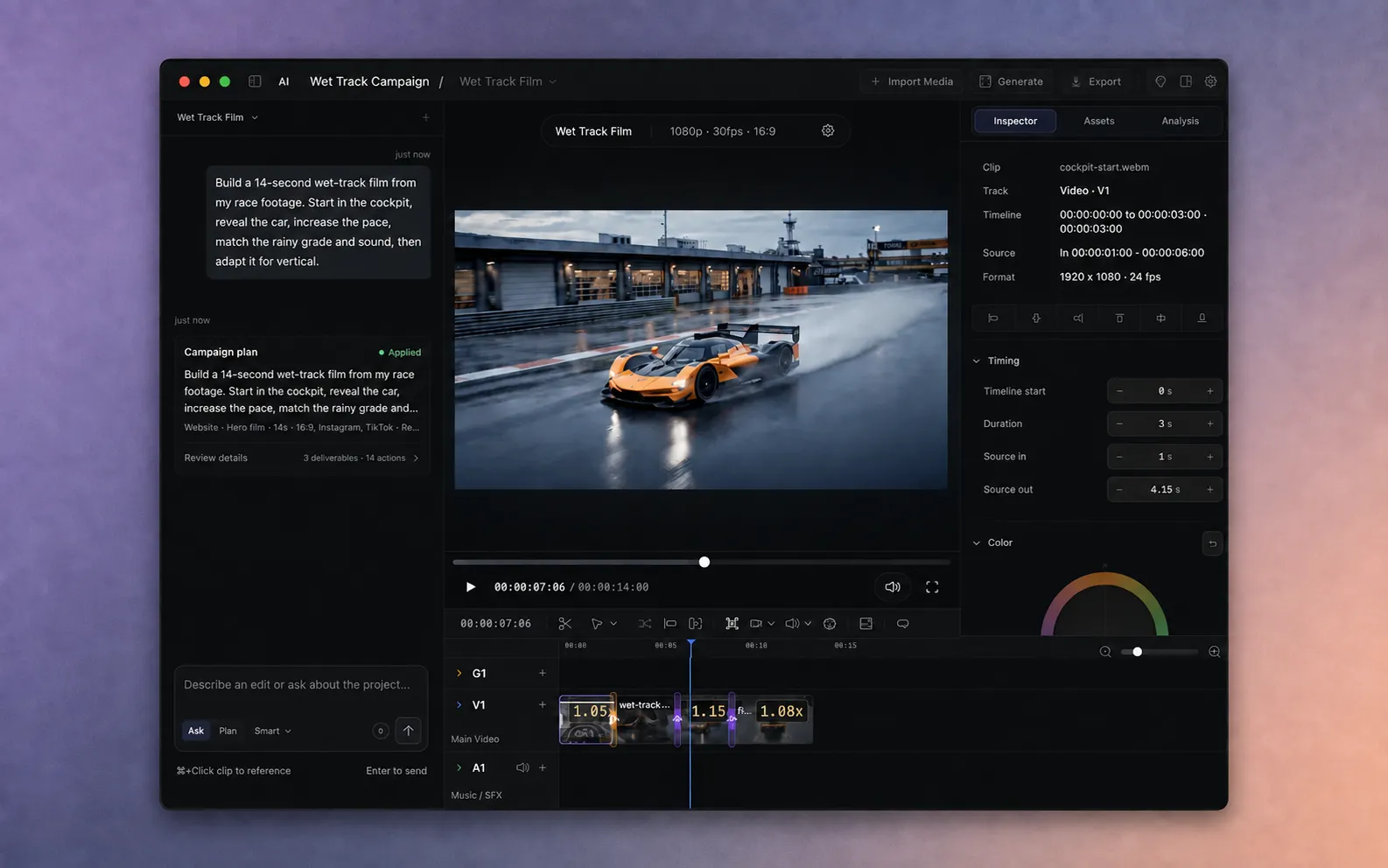
For AVE 1.2.10 · 10 min
How to get started with AVE on Mac.
Install AVE, import footage or create motion graphics, edit a transcript, try Ask and Plan, and export locally. A practical guide to the Mac editor.
Read the guide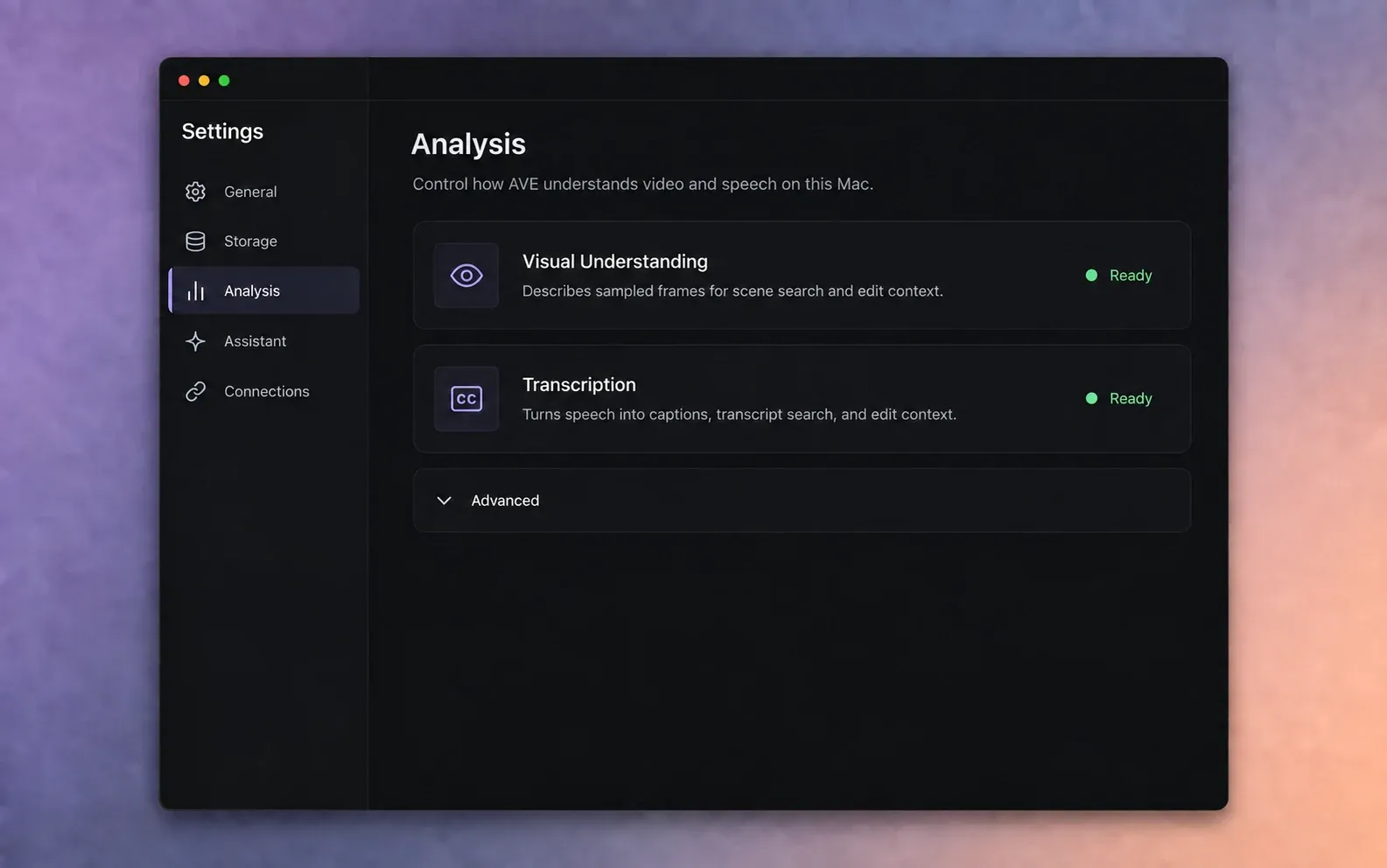
For AVE 1.2.2 · 6 min
How to set up AVE’s on-device analysis.
Prepare Visual Understanding and Transcription so AVE can search scenes, understand speech, and use your footage as edit context on your Mac.
Read the guide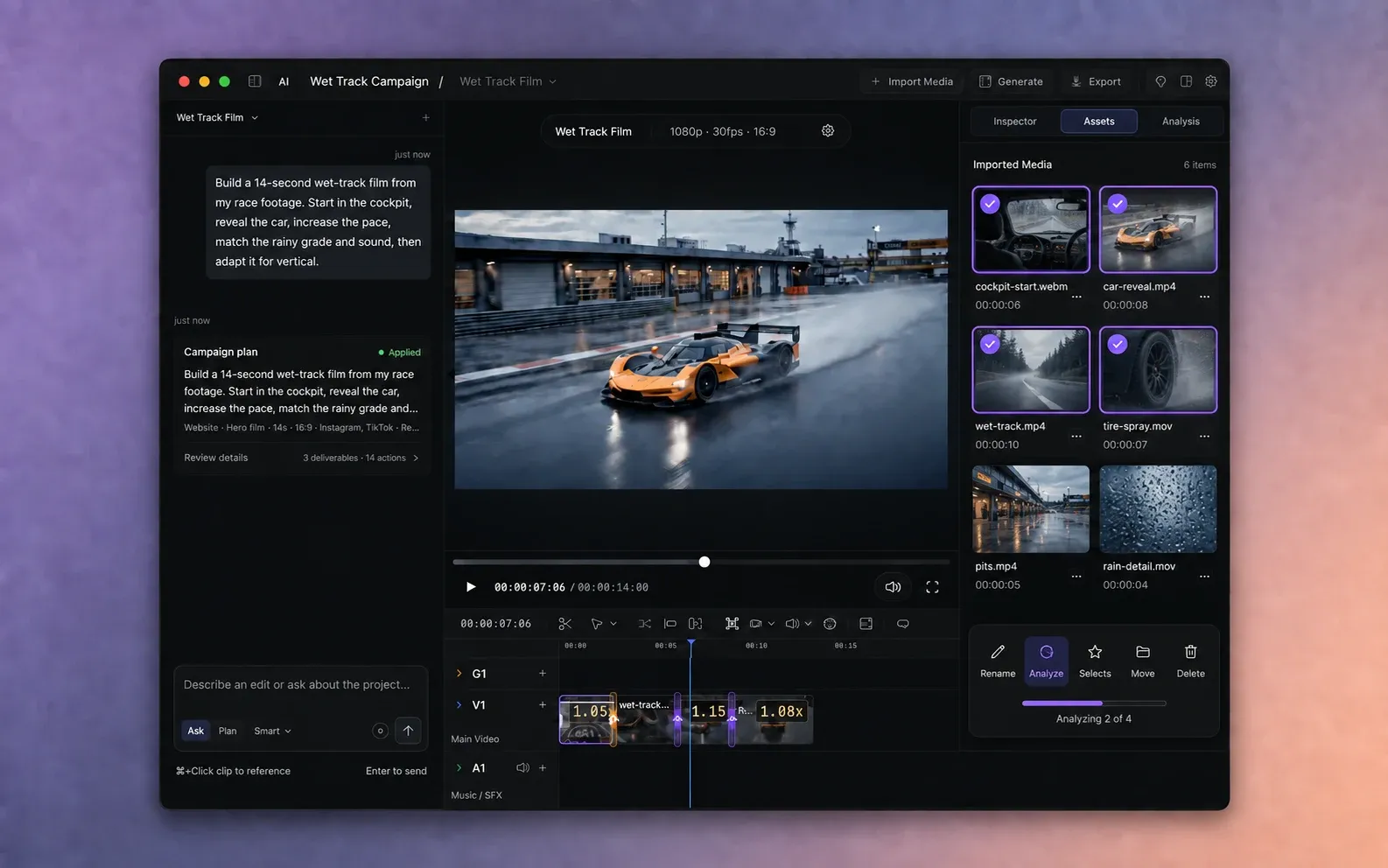
For AVE 1.2.2 · 7 min
How to import and analyze footage in AVE.
Add video, audio, or images to an AVE project, run the right local analysis, and confirm that the footage is ready for search and assisted editing.
Read the guide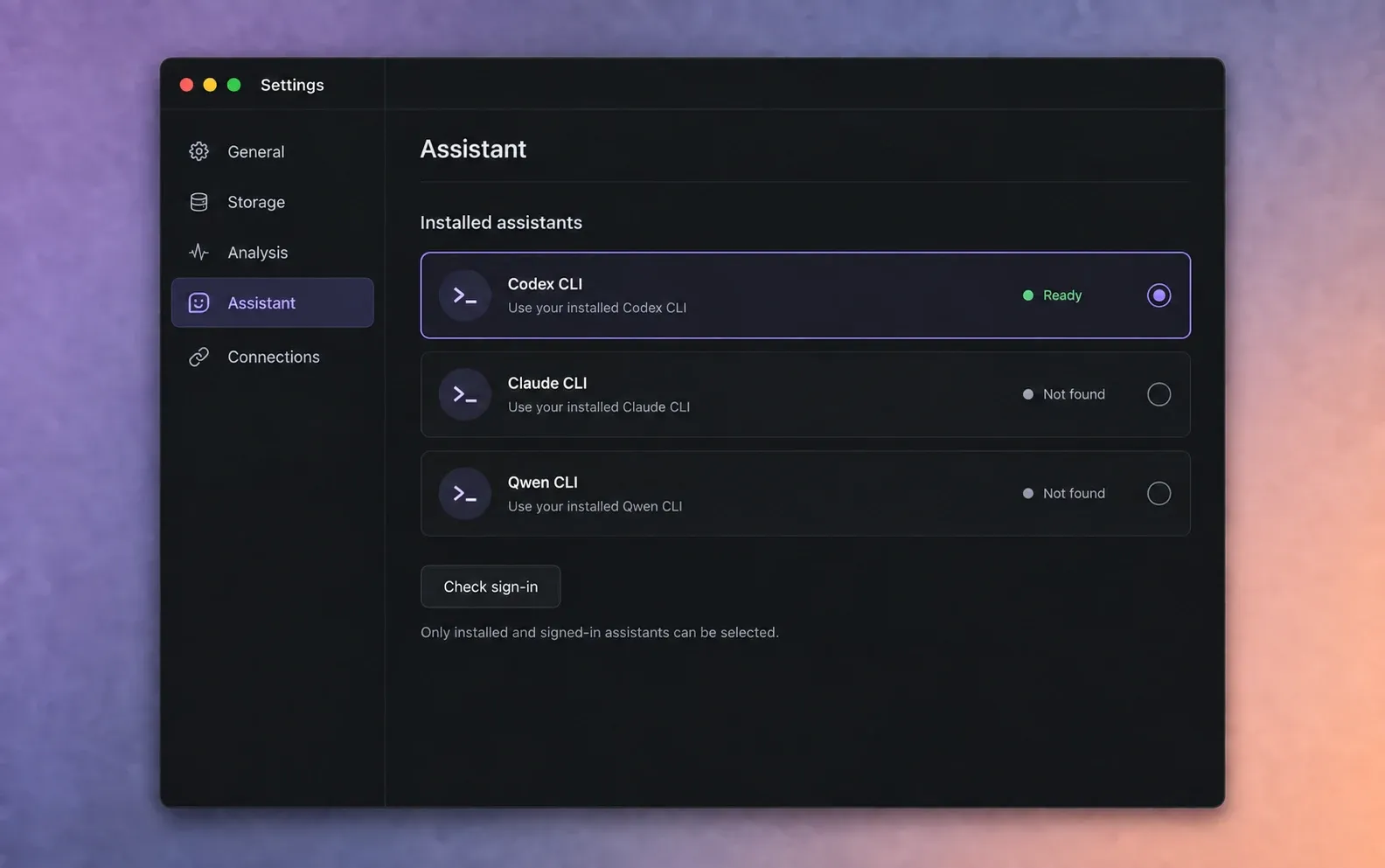
For AVE 1.2.2 · 7 min
How to use an installed CLI assistant with AVE.
Choose Codex CLI, Claude CLI, or Qwen CLI as AVE’s assistant, confirm the local installation, and send a first request from the AVE composer.
Read the guide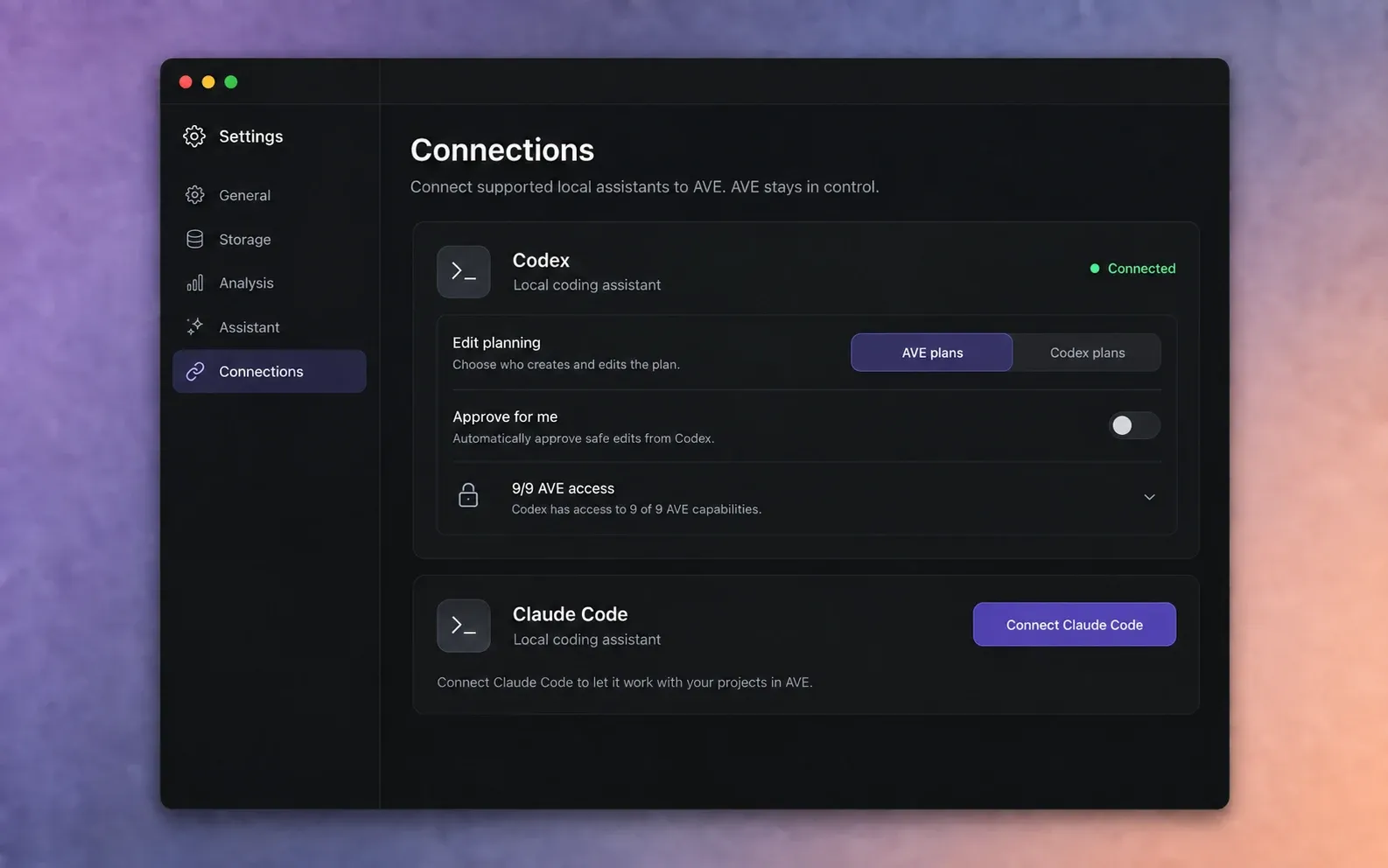
For AVE 1.2.11 · 8 min
How to connect AVE MCP to Codex or Claude Code.
Connect Codex CLI or Claude Code to AVE’s authenticated local MCP bridge, choose planning and approval settings, and review all ten access scopes.
Read the guide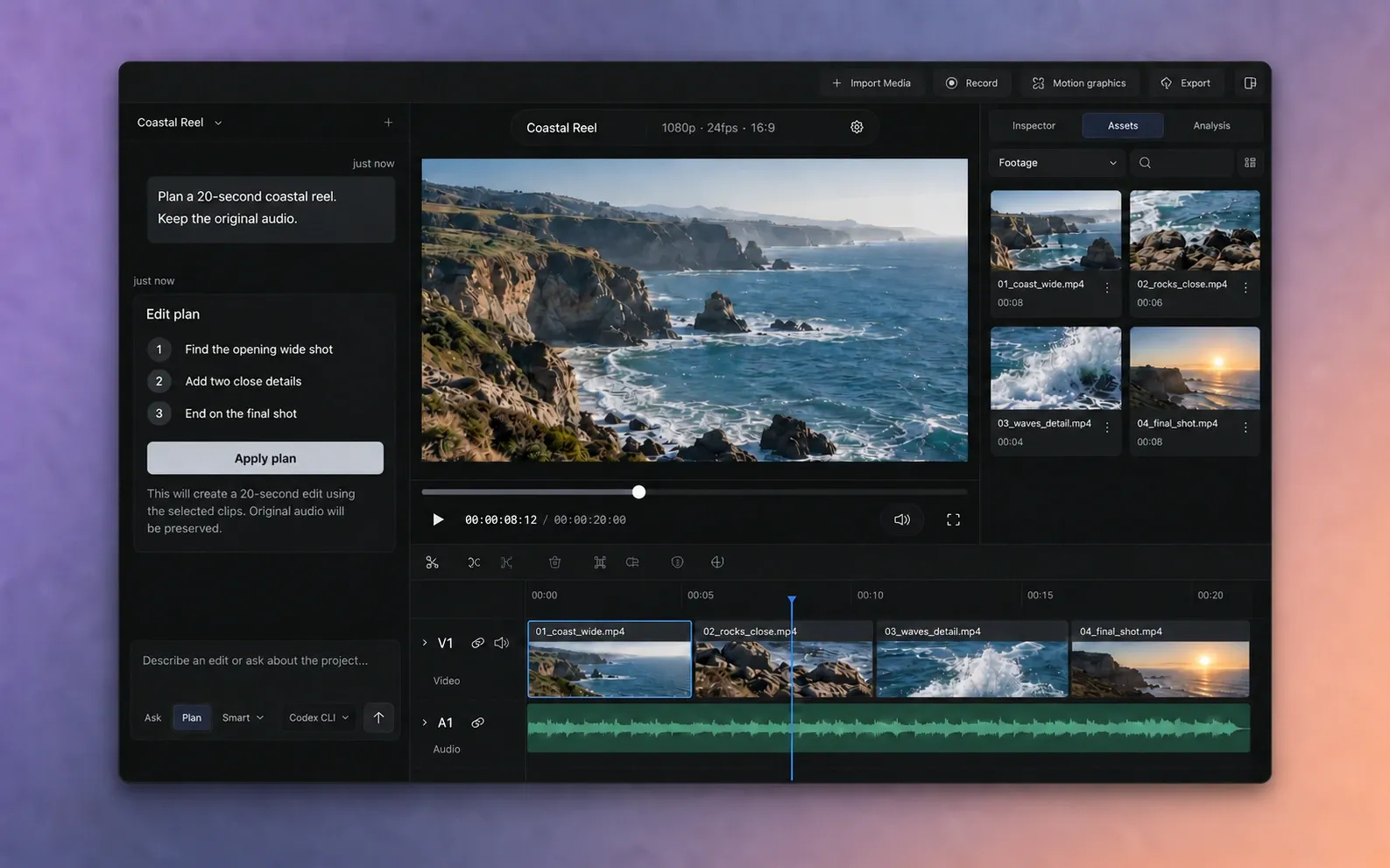
For AVE 1.2.9 · 8 min
How to make your first AVE edit from a CLI assistant.
Start with analyzed footage, ask for a small reviewable cut from AVE or a connected client, inspect the proposed work, and refine the real timeline.
Read the guideEditing workflows
Use AVE for a specific job.
Motion graphics, batch selects, transcript editing, project files, and an editable Final Cut Pro handoff.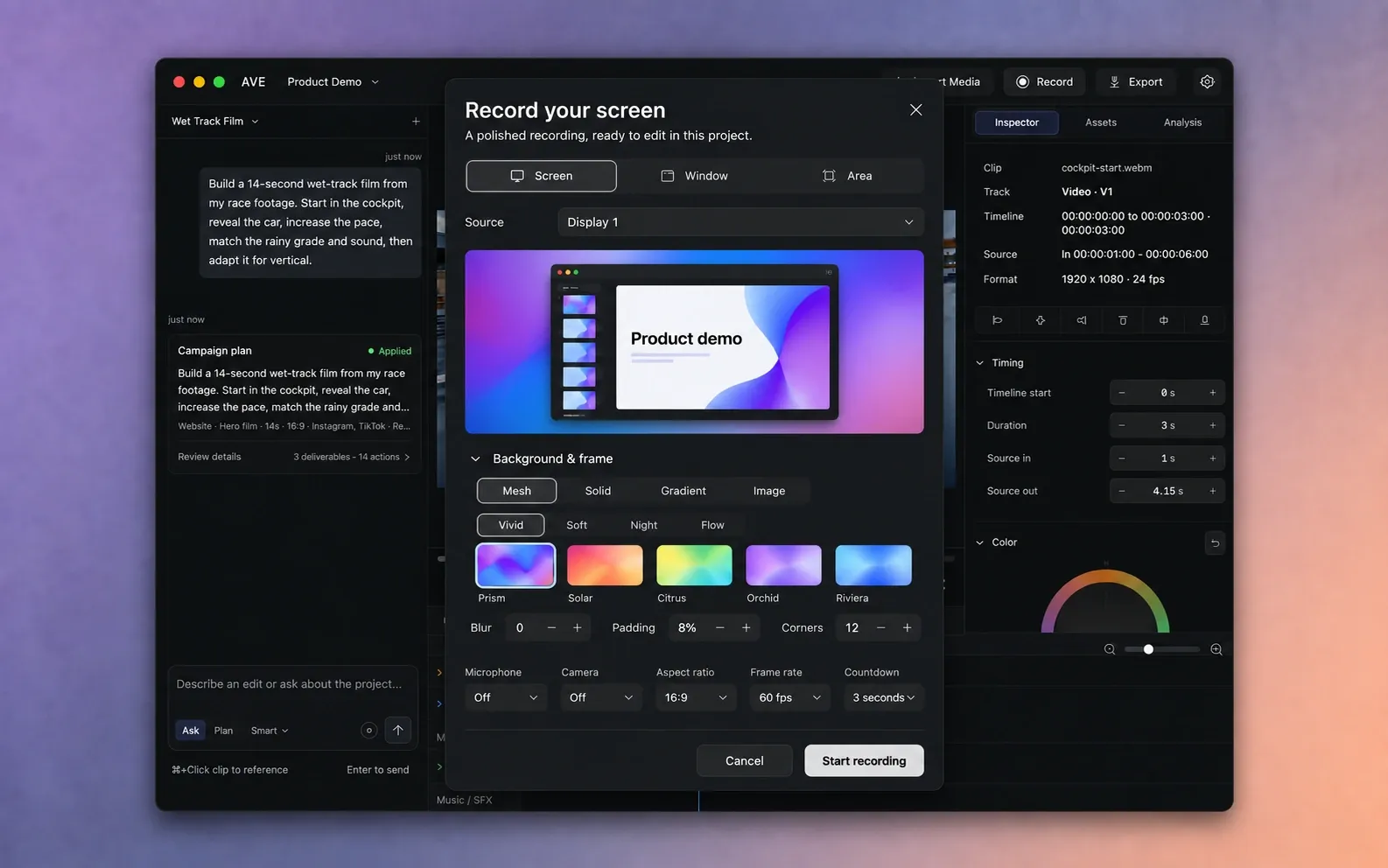
For AVE 1.2.10 · 7 min
How to record and edit your screen in AVE.
Record a screen, window, or area with camera and audio, choose a background and frame, then refine zooms, cursor, privacy masks, and audio on the timeline.
Read the guide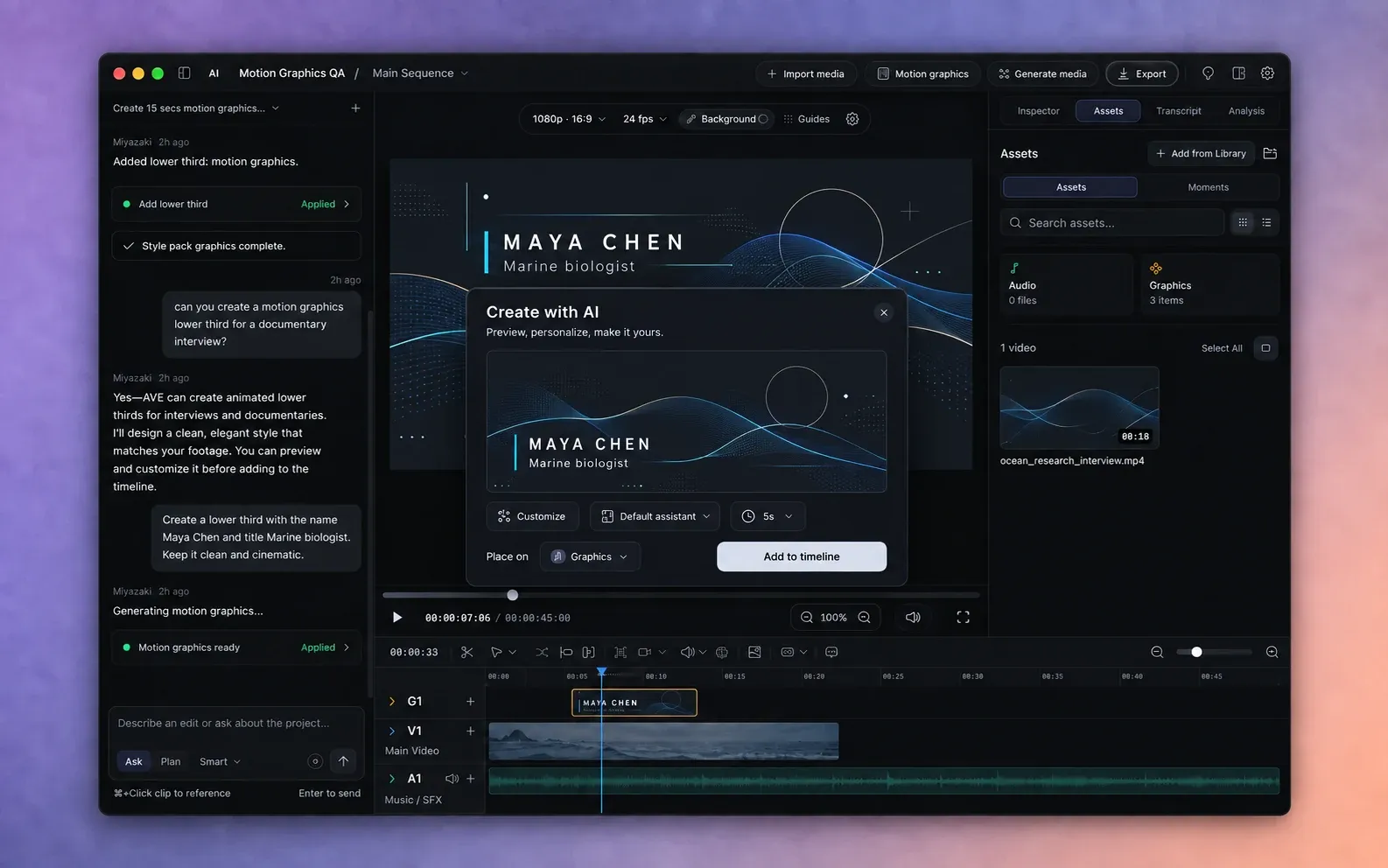
For AVE 1.2.6 · 7 min
How to create motion graphics with AI in AVE.
Turn a brief into an animated video, title, or overlay. Review the preview, customize it, choose a track, and export locally on your Mac.
Read the guide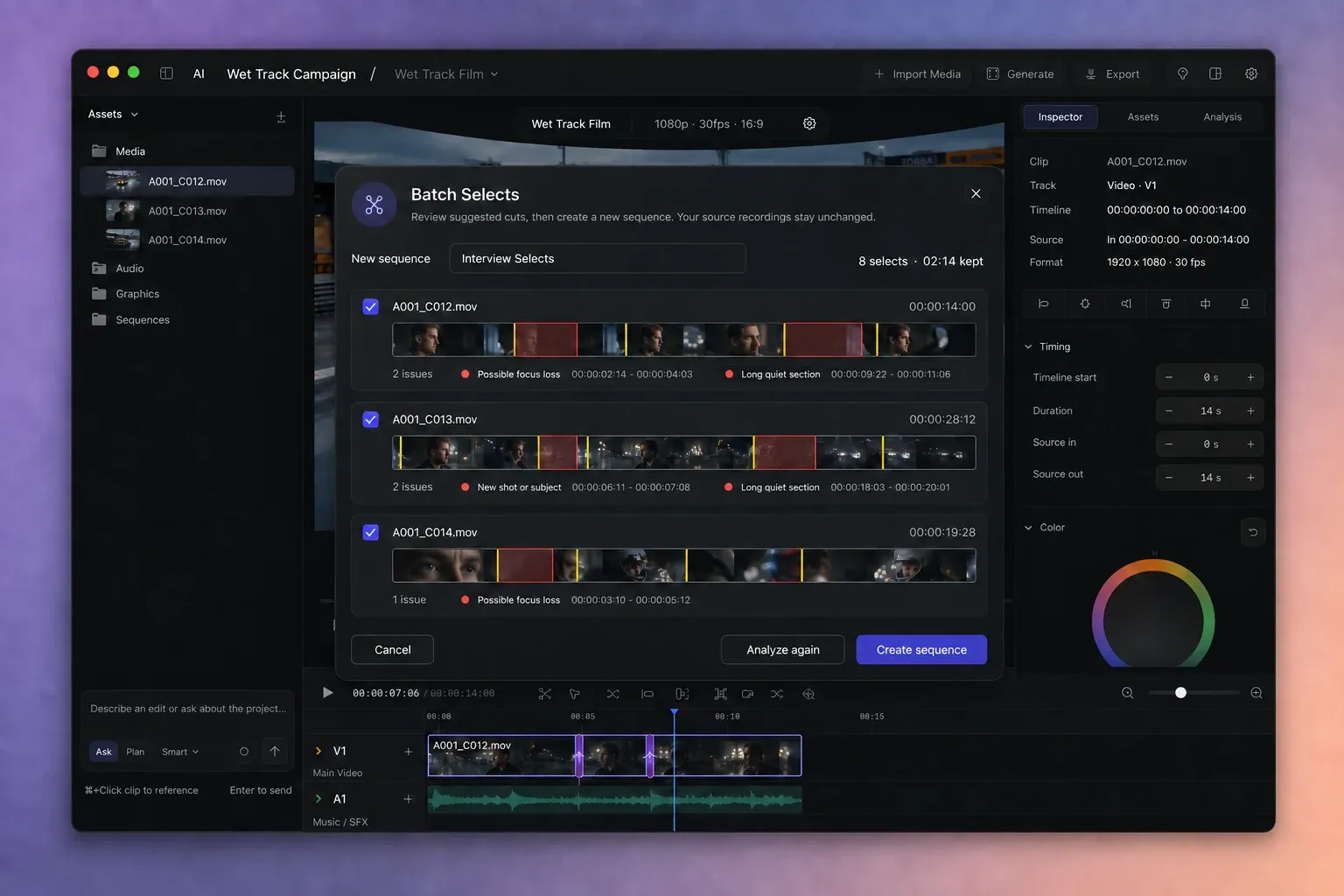
For AVE 1.2.2 · 9 min
How to create a selects sequence from multiple recordings.
Use AVE Batch Selects to review quality issues, shot boundaries, movement, and quiet sections across multiple recordings before creating a new sequence.
Read the guide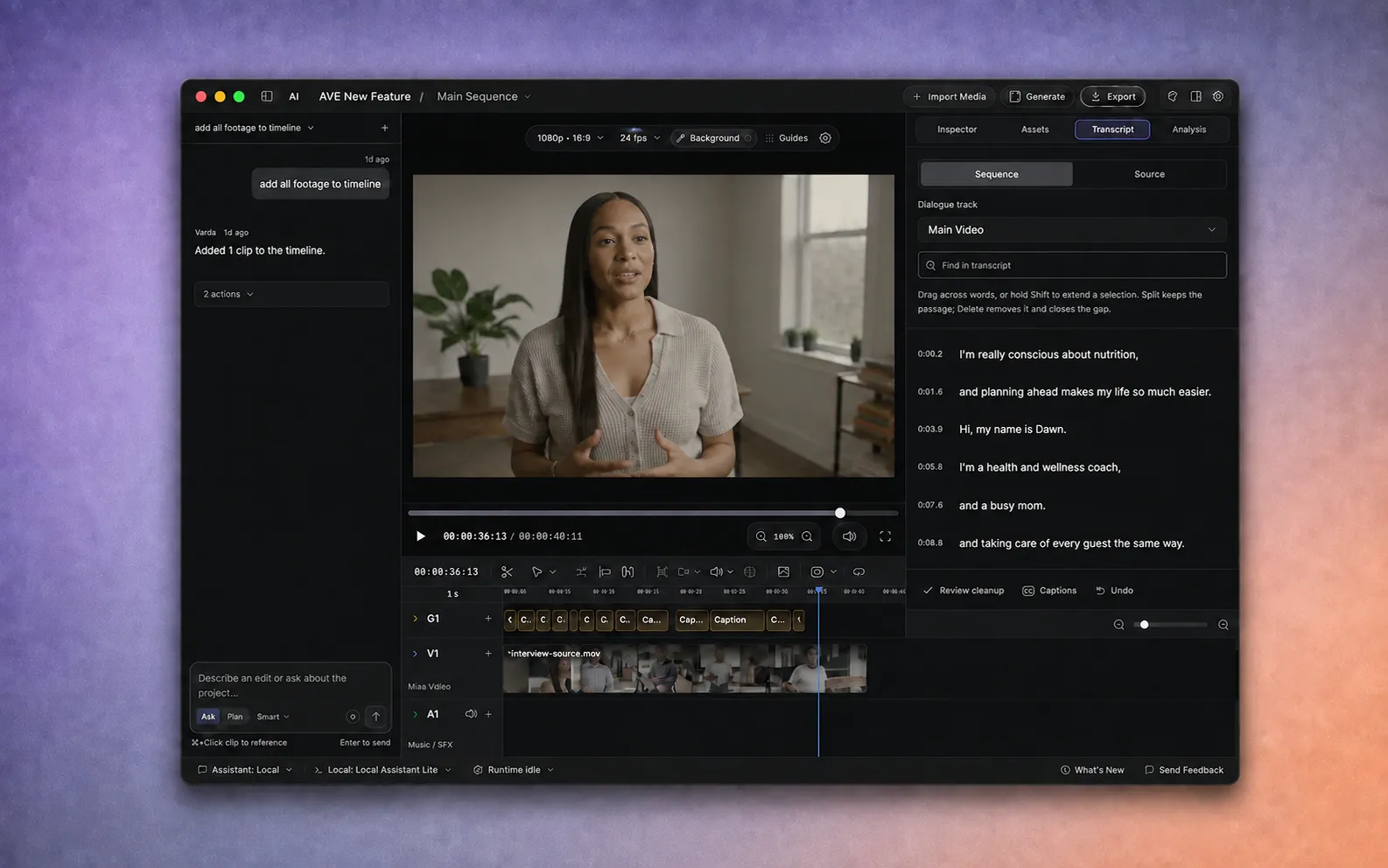
For AVE 1.2.0 · 8 min
How to edit video by editing the transcript on Mac.
Transcribe a spoken recording locally, select the words you want to keep or remove, review speech cleanup, add captions, and export from AVE.
Read the guide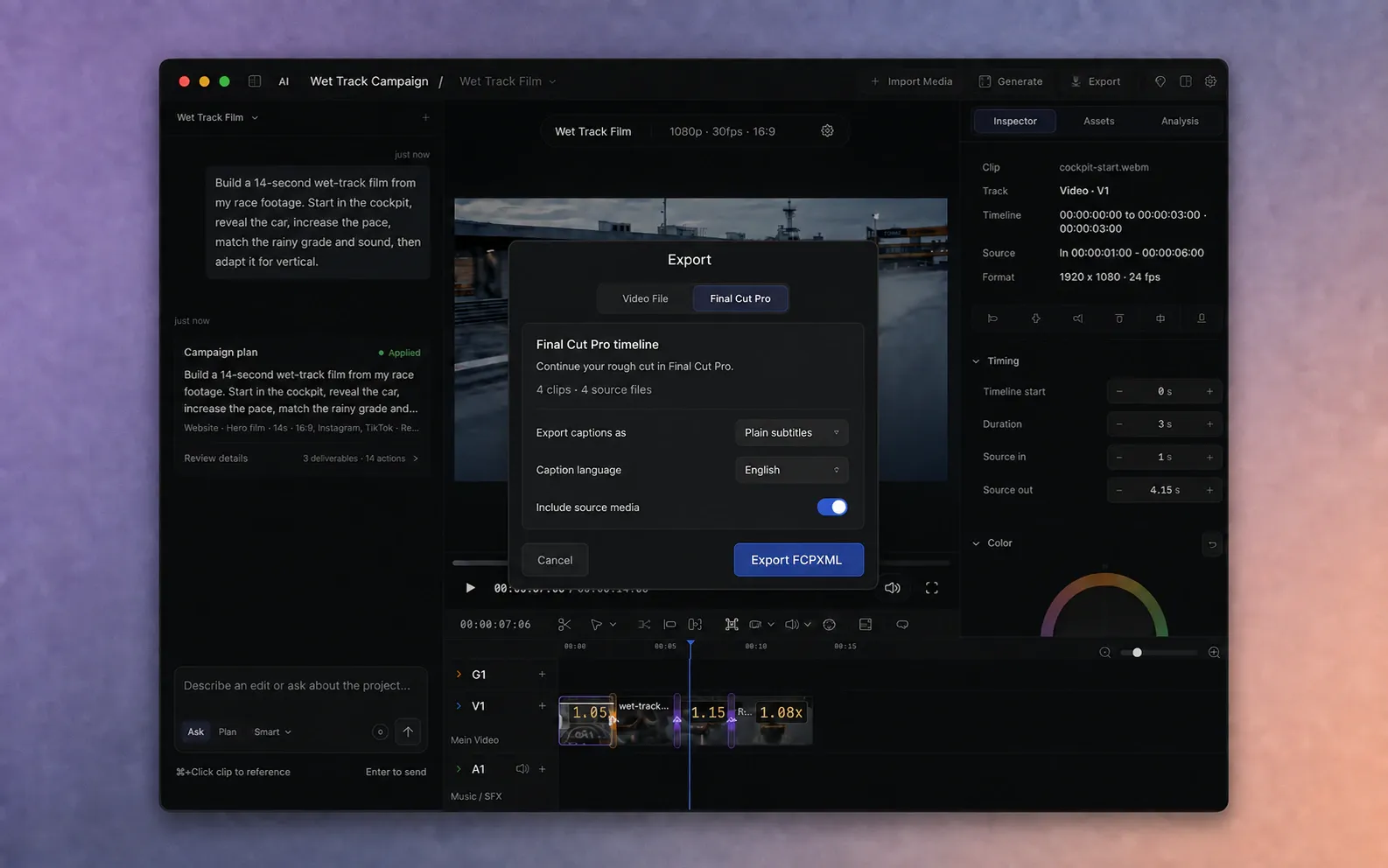
For AVE 1.2.2 · 9 min
How to export an AVE timeline to Final Cut Pro.
Export an editable FCPXML timeline from AVE to Final Cut Pro with supported clips, gaps, audio levels, captions, still images, and source media.
Read the guide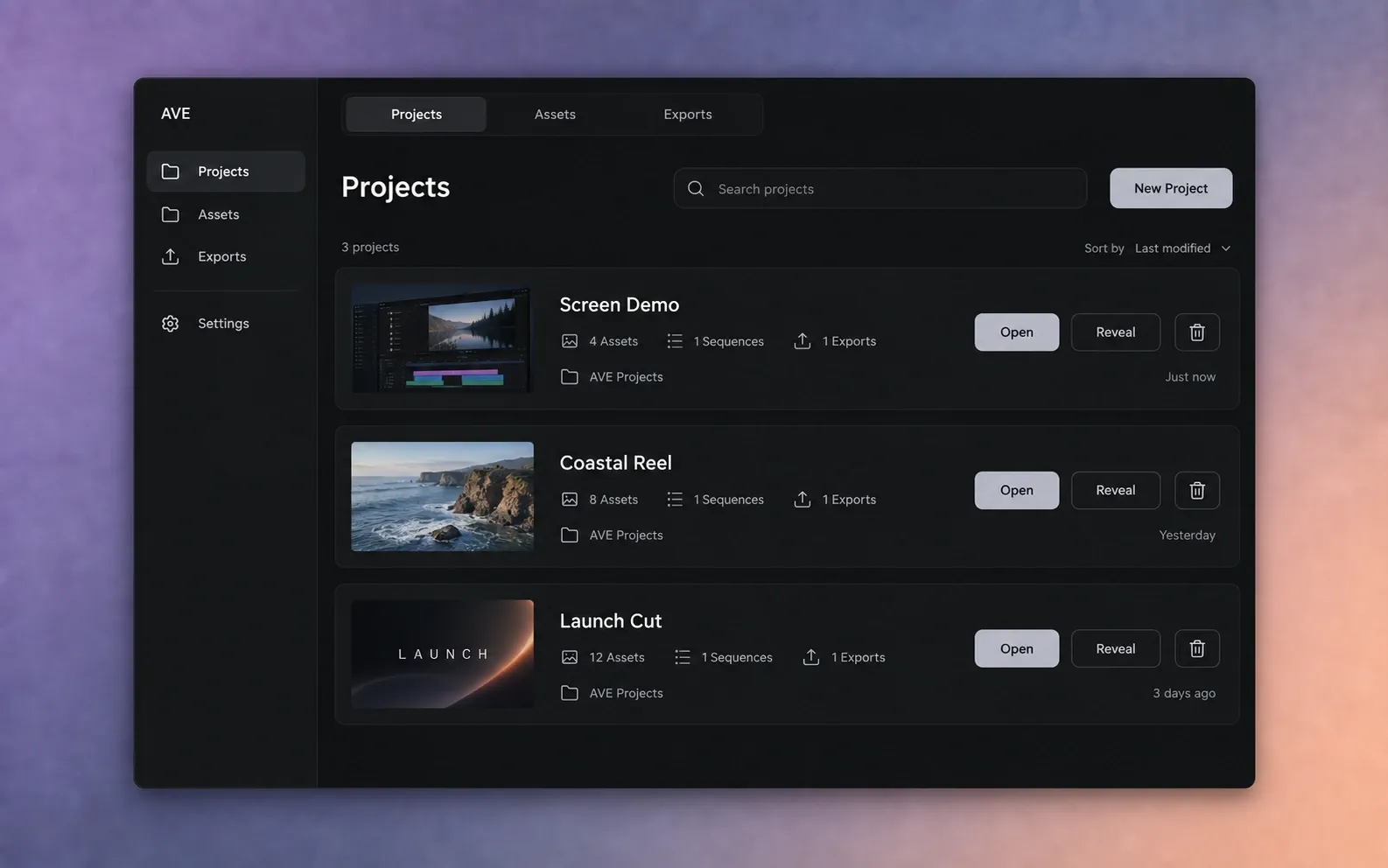
For AVE 1.2.9 · 5 min
How to manage projects, assets, and exports in AVE.
Move project files to macOS Trash, remove assets without deleting files, reuse footage safely, and understand recovery and existing-project discovery.
Read the guideTroubleshooting