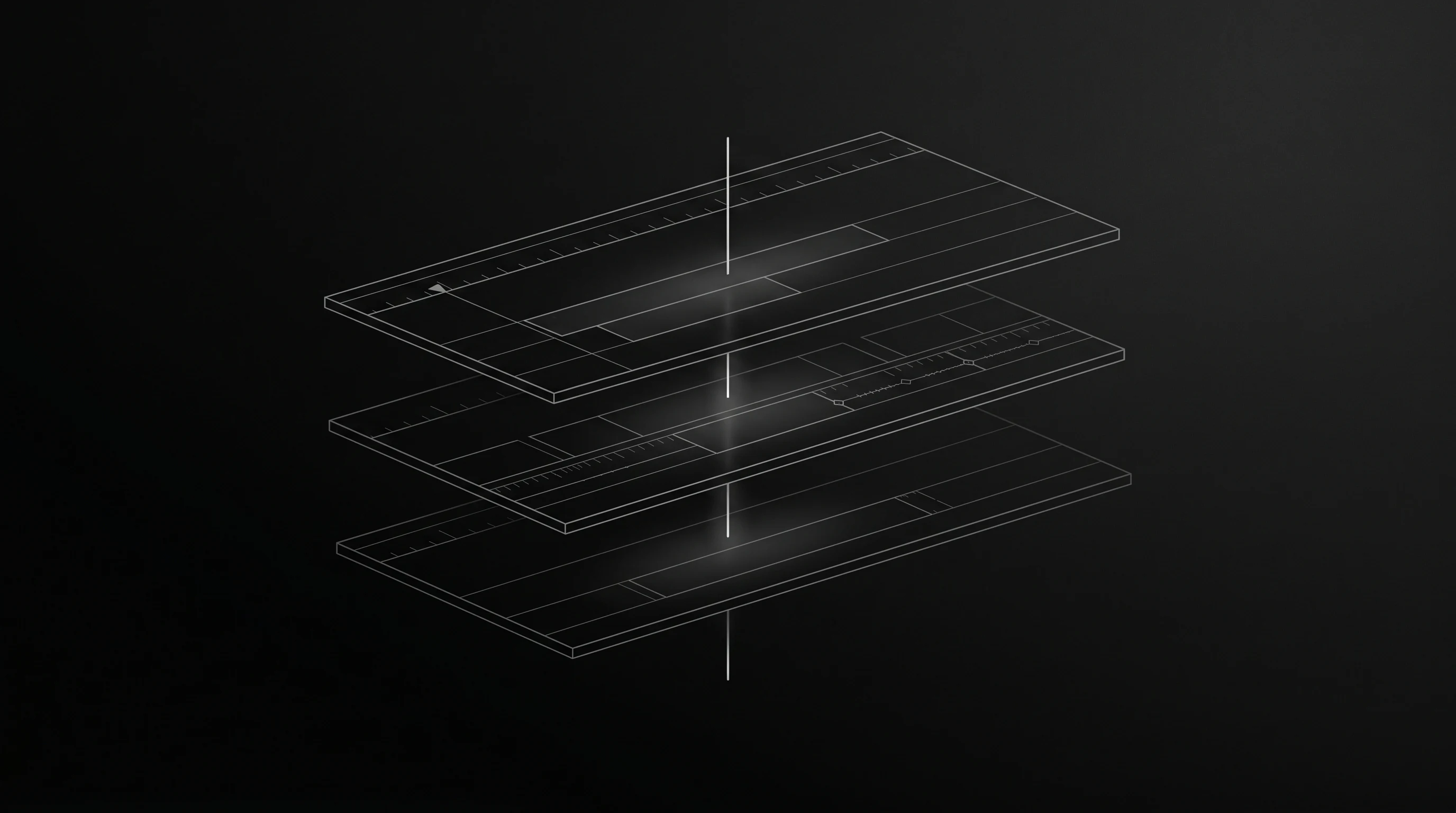
An editor first, AI second
The full non-linear editor stays useful with or without AI. Touch clips, tracks, trims, transitions, captions, and export settings by hand at any time.
Review clean ranges across multiple recordings, edit a video by selecting its words, or ask AVE to build a cut on a real timeline. Footage, local analysis, and exports stay on your Mac by default.
macOS 14.0 or later. Apple Silicon, M1 or later.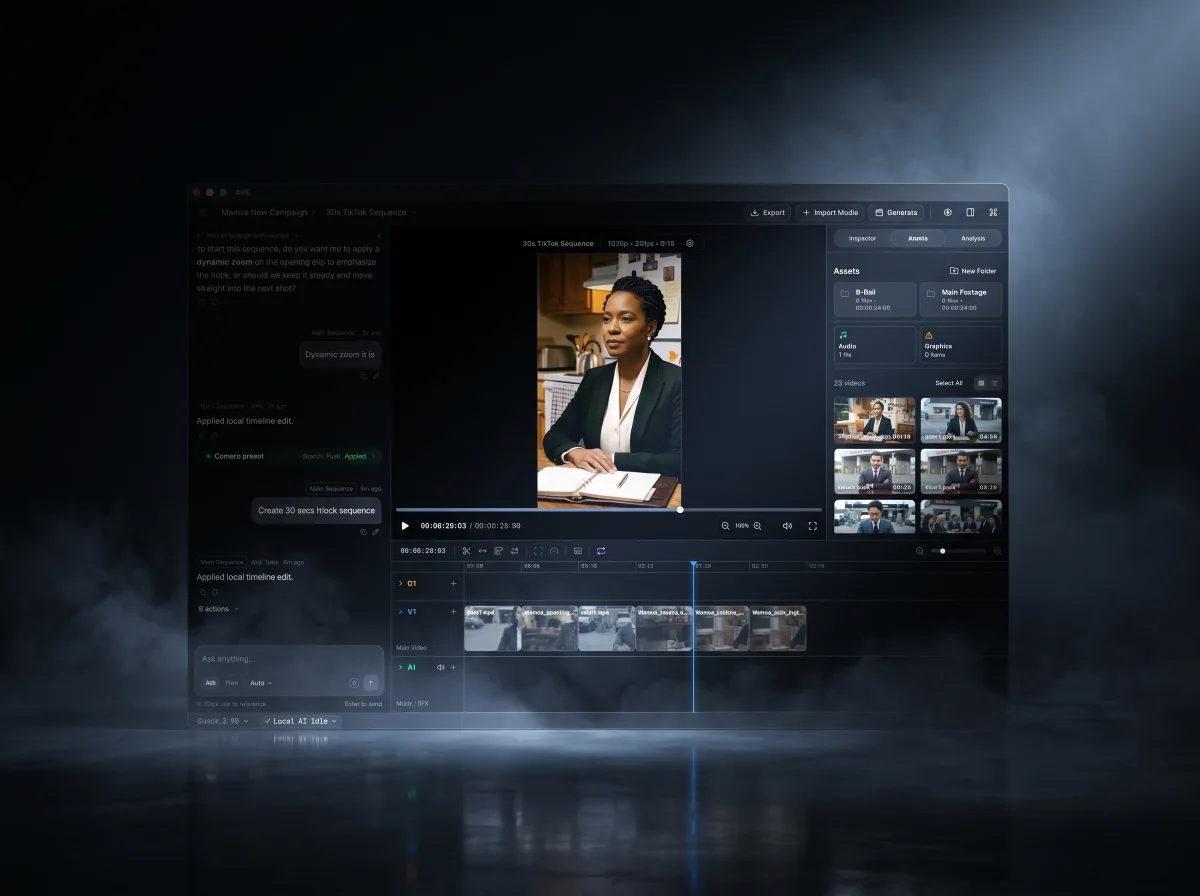
AVE is built on three convictions about how AI belongs in real editing work.
The full non-linear editor stays useful with or without AI. Touch clips, tracks, trims, transitions, captions, and export settings by hand at any time.
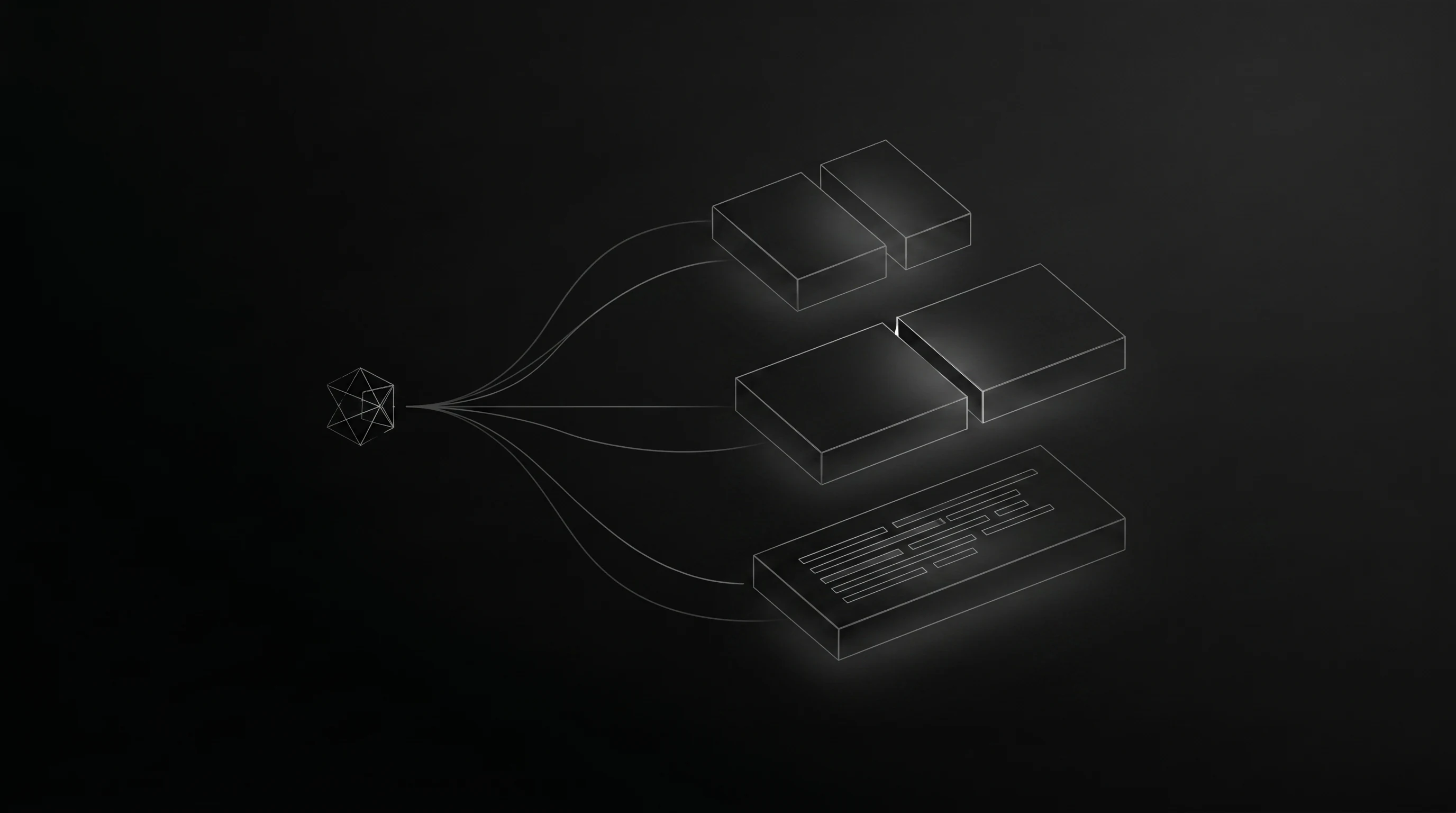
AVE can turn a rough brief into a reviewable plan or execute a complete reversible request directly. Either way, the work lands as visible timeline edits you can inspect and change.

Project files, imported media, local analysis, timeline execution, and exports stay on your Mac unless you explicitly connect an external assistant or API.
The same loop an editor runs, now with AI handling the mechanical passes while you keep the final call. See the full workflow.
Bring in video, audio, or graphics. AVE builds useful project context from filenames, metadata, transcripts, visual notes, and timeline state.
Use Ask for direction, search, and complete bounded edits. Use Plan when broader project-aware work should be previewed before execution.
AVE can create sequences, select clips, trim, add transitions, build captions, style graphics, and close gaps. Reversible actions stay undoable; broader plans remain reviewable before execution.
Refine by hand, run gap-aware export preflight, and render finished deliverables at up to 4K UHD from the native Mac app.
Plan mode previews a multi-step edit before anything touches your timeline. AVE drafts the steps, you approve the direction, and every change stays visible for review.
Make a 30-second vertical TikTok cut from the launch footage. Keep it punchy and add captions.
Connect Codex CLI or Claude Code once, then ask for video work from the assistant you already use. AVE provides the project context, editing tools, review frames, permissions, and local execution.
A modern non-linear editor at the core, with footage intelligence and AI-assisted timeline work you can review. Browse the full feature list, see real use cases, or compare AVE with other video editors.
Batch Selects inspects each selected source separately for obvious image problems, abrupt movement, quiet sections, and shot boundaries. Review every suggestion before AVE creates a new sequence.
Batch SelectsTake your rough cut into Final Cut Pro with editable clips, captions, and supported images. Include your source media for a straightforward handoff.
FCPXML exportSelect a passage in the transcript to split it, delete it and close the gap, or turn it into a new sequence. Preview filler words and long pauses before applying cleanup. Your source recording stays intact.
Transcript editingSave your edited sequence captions as SRT or WebVTT files, ready for other editors and video platforms.
SRT + WebVTTTrim, split, Ripple, Roll, Slip, retime, swap, and snap clips on an editable timeline. Browse and preview transitions and graphics, then add fades, captions, alignment, audio automation, and motion.
Timeline toolsSearch and rank footage across the current project and local AVE Library with transcripts, visual notes, metadata, and timeline context. The Assistant can suggest matching assets and bring chosen footage into the active edit.
Transcript + visionGenerate video and images with Google Veo, Google Nano Banana, Runway, Luma, Kling, fal.ai, Seedance. AVE adapts the setup to the selected provider, then saves completed results directly into Assets.
Video + imageTeach AVE the people, places, products, and subjects you recognize, then recall confirmed source moments across your local projects.
Semantic + localCreate 16:9, 4:5, 1:1, 9:16, social, web, and custom deliverables, then export at up to 4K UHD with resolution-aware bitrate choices and clear upscaling warnings.
Platform formatsBrowse previewable titles, lower thirds, and graphics, then build solid, gradient, grained mesh, or image sequence backgrounds with direct canvas, color, camera, mask, and motion tools.
Design toolsAVE includes its Local AI engine plus starter vision and caption models. Project files, media analysis, timeline edits, and native exports stay on your Mac by default.
Private + on-deviceTurn camera filenames into collection-aware AVE names using visual, transcript, metadata, and project context. Review, edit, or exclude every proposal while original files stay unchanged.
Smart RenameAVE is the agentic editor: it understands the footage, builds and finishes the sequence, and leaves every decision on a real timeline you can keep editing.
The AVE thesis
The short version of what AVE is and how it works.
Turn your recordings into finished videos with transcript editing, speech cleanup, and local AI. Try Pro free for seven days, with no card required.