Step 01
Open AVE Settings.
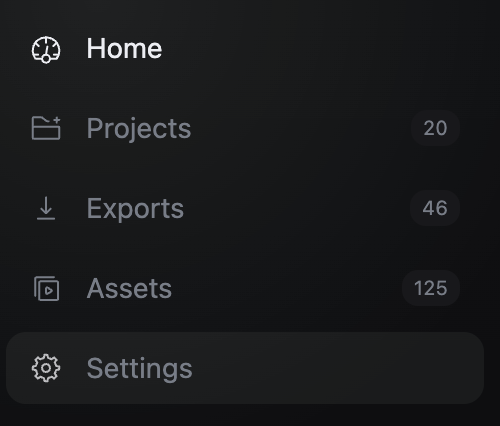
Launch AVE on your Mac and choose Settings in the left sidebar.
Your AVE Pro purchase is unlocked inside the desktop app. Keep the license key from your Polar receipt and follow these three steps.
Launch AVE on your Mac and choose Settings in the left sidebar.
Settings opens on Account. Scroll to the Activation section, where AVE shows the license field.
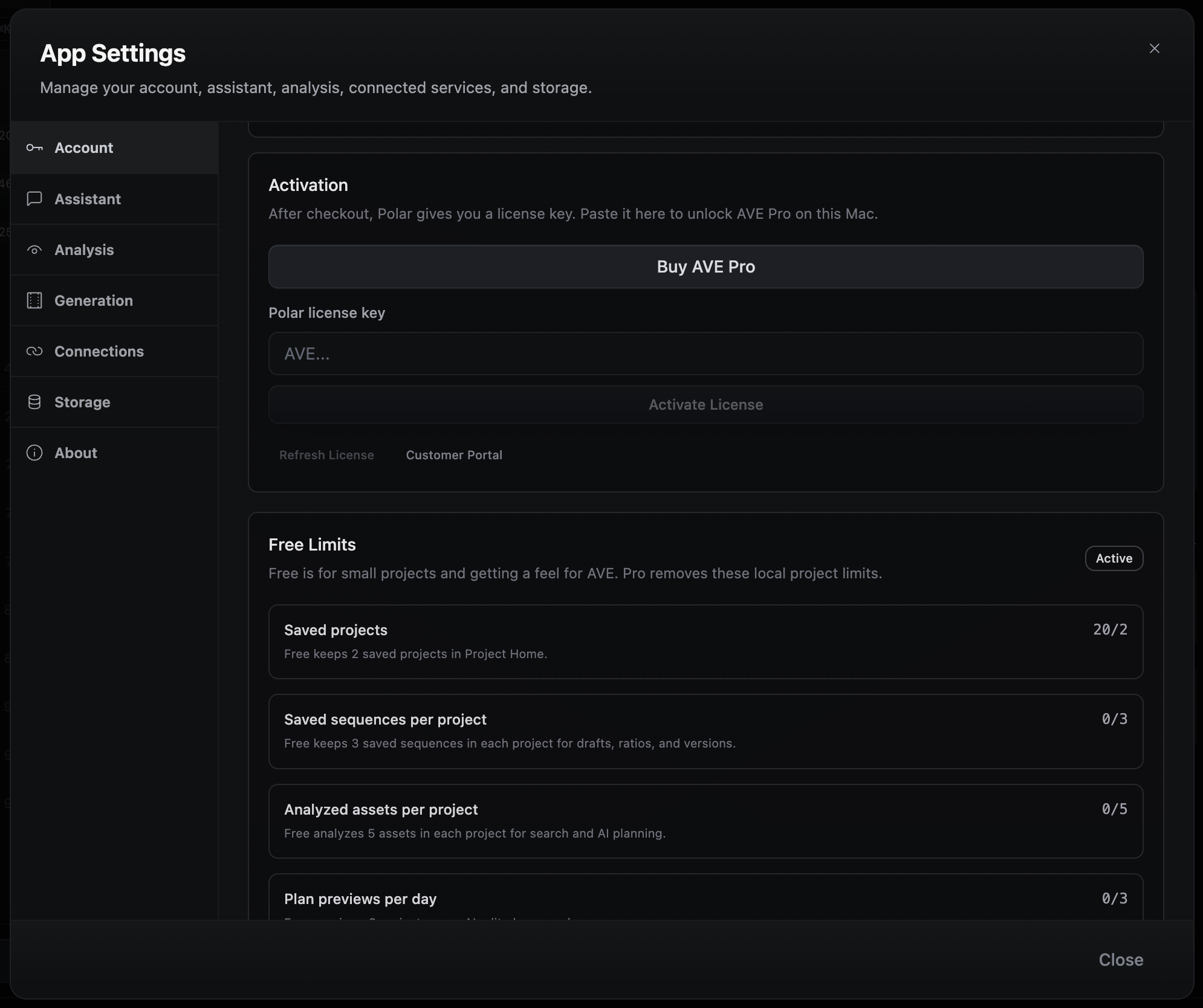
Copy the complete license key from your Polar receipt, paste it into the license field, then activate AVE Pro.

Return to Account after activation and confirm that AVE Pro is active on this Mac. You can then continue with your existing projects and settings.
Do not send your full license key in a support message. Describe the error and include the email used for the purchase.
Check the receipt email Polar sent after checkout, including spam or junk. The email includes the license key needed by AVE.
Copy the full key without extra spaces and try again. If AVE reports an activation limit, contact support so the purchase can be checked safely.
You do not need to download it again. Open your existing AVE installation and follow the same Settings path.