AI video editing should start with the footage you already have
Learn how an AI video editor can understand existing footage, find the right moments, assemble a first cut, and keep every timeline change reviewable.
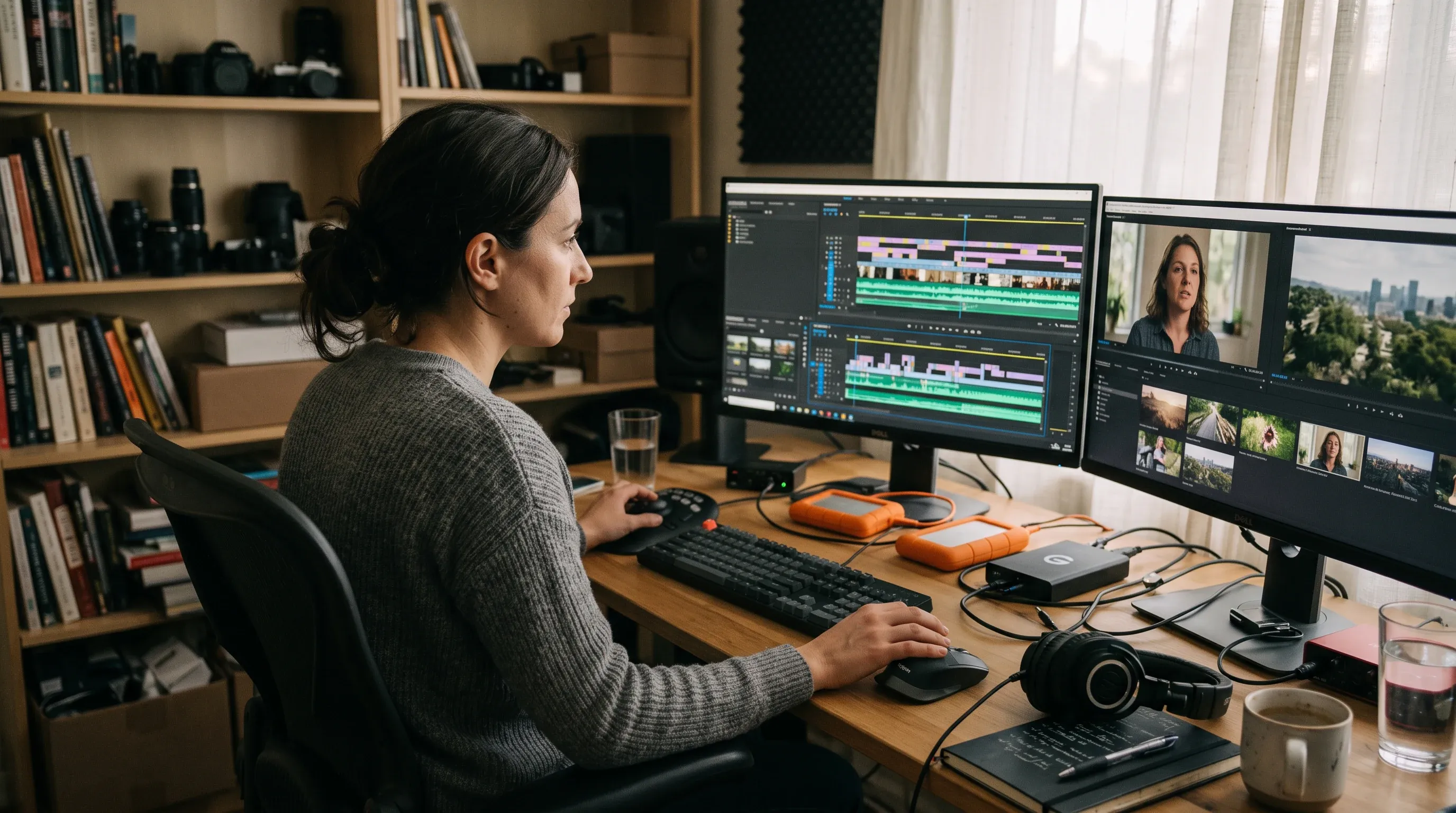
Most AI video demos begin with an empty box and a prompt.
Most real editing jobs begin with the opposite problem: too much material.
There are interviews, screen recordings, B-roll, founder takes, product close-ups, generated clips, voiceovers, client footage, and the version somebody exported three days ago. The editor rarely needs another clip before understanding what is already there. The immediate problem is finding the useful twelve seconds hidden inside everything else.
That changes where AI should enter the workflow.
Can an AI video editor work with existing footage?
Yes. A useful AI video editor can analyze video you already have, connect transcripts and visual evidence to exact source moments, find the clips that match a request, and assemble those clips into an editable sequence.
The important distinction is what happens next. A black-box tool may return a rendered file. A footage-first editor should preserve the source clips, trims, captions, transitions, and other decisions on a timeline you can inspect and change.
AVE is built around that second workflow. You can bring in interview footage, screen recordings, B-roll, product shots, audio, graphics, and generated media; ask the editor to find or use specific material; review a broader plan; and keep working on the resulting timeline by hand.
The first problem is not generation
Generation is valuable when a project is genuinely missing an asset. But it is a poor default answer to a retrieval problem.
If the right reaction, quote, product shot, or cutaway already exists, generating a replacement adds work. Someone still has to review the new clip, check continuity, import it, place it, and decide whether it is better than the original material.
The more useful first step is to make existing footage understandable.
For spoken material, that means transcripts connected to exact time ranges. For visual material, it means useful notes about subjects, actions, scenes, and shot content. Filenames and camera metadata still matter. So do project folders, collections, prior selections, and what is already on the timeline.
None of these signals is perfect alone. Together, they make a footage library searchable in the language an editor actually uses:
- Find the founder explaining why the product exists.
- Show every clean product close-up.
- Find the reaction immediately after the demo fails.
- Pull the quiet office B-roll.
- Locate the clip where the guest mentions local processing.
That is not a finished edit. It is a better starting point.
Retrieval should stay connected to editing
Search is only half the workflow.
A result becomes useful when the editor can preview the source moment, understand why it matched, and move it into a sequence without losing the connection to the original footage.
This is where many AI tools separate into two incomplete categories.
One category searches or summarizes media but stops before the timeline. The other creates a finished-looking result but hides how the material was selected and assembled.
Editors need the middle:
- Understand the footage.
- Find candidate moments.
- Review the evidence.
- Draft an edit plan.
- Apply supported changes to a normal timeline.
- Refine or undo the work by hand.
The output of AI should not be a mystery file. It should be an editable state.
A useful AI editor reduces the cost of reaching a first cut without removing the editor’s ability to question it.
A plan is better than a surprise
Small requests can often happen directly. Finding a phrase, creating a caption pass, or making a precise trim has a clear scope.
Larger requests are different.
“Make a 30-second launch video” contains several decisions: which sequence to use, which moments support the message, what order they belong in, which aspect ratio is required, whether captions should be added, and what happens to the existing timeline.
Applying all of that immediately is fast only when the result happens to be right.
A reviewable plan introduces a useful pause. The editor can see the intended steps before the application changes the project. Ambiguous choices become visible while they are still cheap to correct.
The plan does not need to be theatrical. It needs to be concrete:
- analyze the launch footage and transcript;
- select three moments that support the product story;
- create a new 9:16 sequence;
- assemble a 30-second first pass;
- add captions;
- leave the result ready for manual review.
Once approved, those steps should become ordinary timeline operations. The editor should be able to inspect the clips, trims, captions, transitions, and sequence settings that resulted.
Local-first is a workflow boundary
Video files are large, but size is not the only reason to keep work local.
Footage can include unreleased products, internal meetings, client interviews, research sessions, personal recordings, or material covered by an agreement. Sending every file to a cloud editor just to gain basic search or transcript help can be the wrong default.
Local-first does not mean no external service can ever participate. It means the project folder, imported media, local analysis, timeline execution, and export remain on the Mac unless the user deliberately connects something else.
That distinction matters because different tasks have different boundaries.
A local caption model may be appropriate for one project. A connected coding assistant may be useful for another. A generation provider may be explicitly chosen when a missing shot needs to be created. The important part is that these are visible decisions, not an invisible requirement of opening the editor.
For creative tools, trust is partly architectural. Users need to know what remains local, what may leave the machine, and what the software changed.
How to edit existing footage with AI: a concrete example
Imagine a small team preparing a product launch.
They have two founder interviews, three screen recordings, a folder of product B-roll, and several generated background clips. They need a website hero video, a LinkedIn cut, and a vertical version.
The slow path begins with scrubbing every file and manually building selects.
The black-box path asks for “a launch video” and hopes the generated result found the right story.
A footage-first workflow is more grounded:
- Import the local media.
- Analyze the interviews into timed transcripts and the visual clips into searchable notes.
- Search for the founder’s clearest statement of the problem.
- Find product shots that directly support that statement.
- Preview the source moments.
- Draft the hero sequence and its intended structure.
- Approve the first assembly.
- Refine pacing and graphics by hand.
- Adapt the approved sequence for the other formats.
- Export locally.
AI helps with retrieval and the mechanical first pass. The team still owns the argument, taste, and final cut.
Where AVE fits
This is the workflow AVE is being built around.
AVE is a local-first AI video editor for Mac with a real timeline underneath Ask and Plan modes. It can use transcripts, visual notes, metadata, assets, and timeline context to help find material and prepare supported edits. Larger changes can be reviewed as a plan before they touch the timeline.
The goal is not to claim that AI replaces an experienced editor or that AVE already covers every advanced workflow in Premiere Pro, Final Cut Pro, or DaVinci Resolve. It does not.
The narrower claim is more useful: when you already have footage, AI can help you understand it, retrieve the right moments, and perform the mechanical work needed to reach an editable first pass.
You can see the current AVE feature set, explore the AI video editor for Mac, browse specific editing use cases, or read how the local-first workflow is defined.
What to ask of an AI video editor
When evaluating an AI editor, the most important question may not be “What can it generate?”
Ask:
- Can it understand footage I already have?
- Can I search by what was said and what appears in the shot?
- Can I preview the source evidence behind a suggestion?
- Can I review a larger plan before it changes the project?
- Do the results land on a normal editable timeline?
- Can I refine, undo, or replace the work manually?
- Is it clear what stays local and when an external provider is involved?
Those questions are less spectacular than a one-prompt demo.
They are also much closer to the work.