Use the reference for direction
Point AVE at a reel or montage and ask it to follow the rhythm of the cuts, the order of shots, or the mix of quick cuts and longer holds.
Use a reference video’s pacing and shot order to build an editable sequence from your own footage in AVE for Mac.
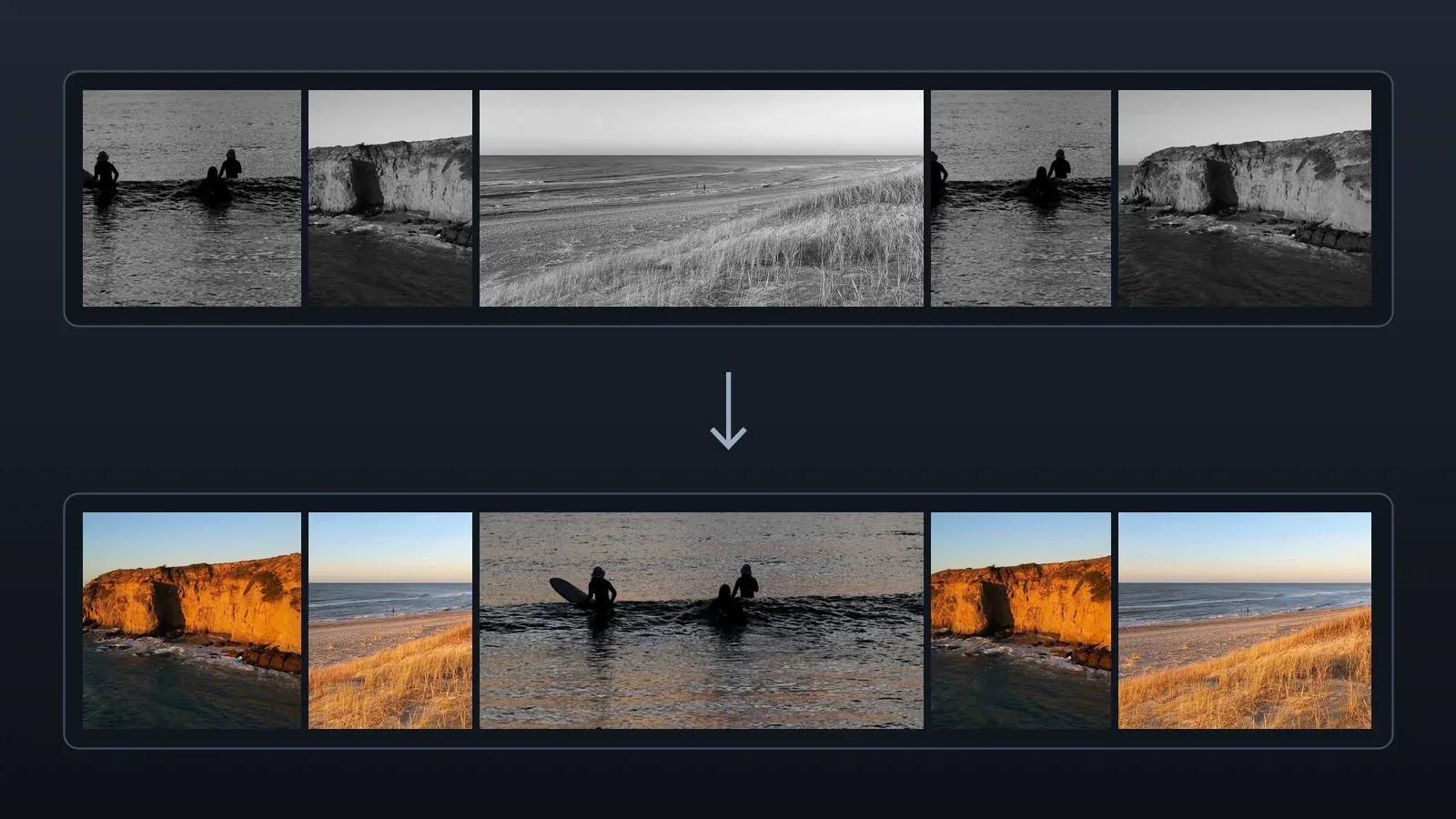
Point AVE at a reel or montage and ask it to follow the rhythm of the cuts, the order of shots, or the mix of quick cuts and longer holds.
AVE builds a new sequence from your project footage. You can change every cut, adjust the audio, and export from the Mac timeline.
Available in AVE 1.3.7 or later on Mac with a configured assistant and AVE Pro or an active Pro trial. Import your reference as a video file.