How to edit from a reference video in AVE
Use a reference video’s pacing and shot order to build an editable sequence from your own footage in AVE for Mac.
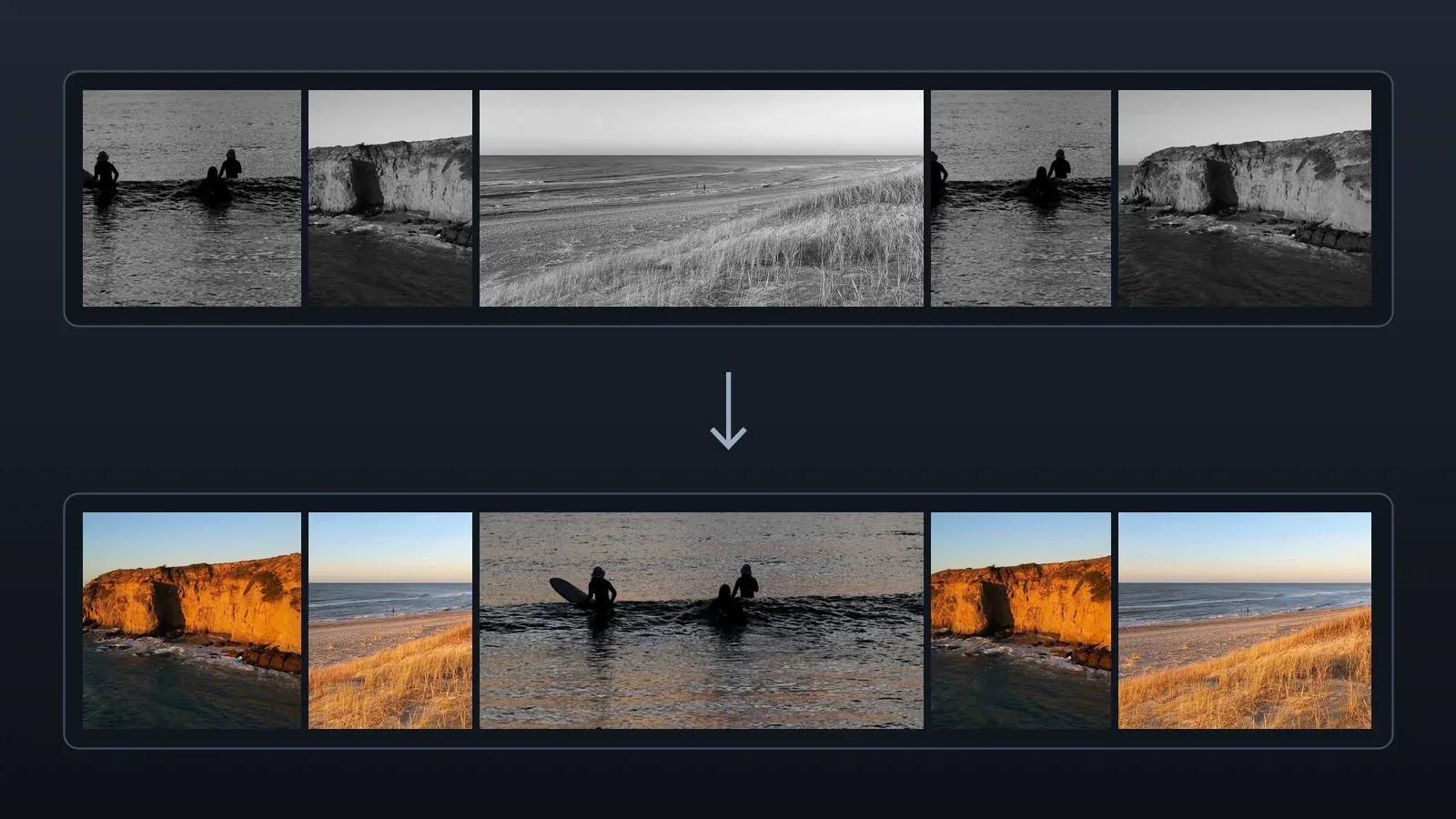
Import your videos
Use AVE 1.3.7 or later on Mac with a configured assistant and AVE Pro or an active Pro trial. Import the reference file and the footage you want to edit into the same project. For an online reference, import a local copy first.
Attach the reference
Drag the reference video from Assets into chat, or right-click it and choose Use as Reference. AVE fills in an editable prompt. Send it when you’re ready.
Describe the edit
Specify what to borrow from the reference, such as cut rhythm or shot order. Include the length and aspect ratio you want. If you want music, import it separately and describe how to use it.
Make a 30-second travel video from my footage. Follow the reference’s quick cuts and hold longer on the wide shots.
AVE measures likely cut points and shot lengths. If Visual Understanding is set up, it can also describe sampled shots and suggest possible camera moves.
Review and export
Play the new sequence and check the pacing, footage, and sound. Fine-tune individual cuts and levels on the timeline, then choose Export to render the result.