Premiere, Final Cut, and Resolve have AI. The missing layer is orchestration.
Compare AI features in Premiere, Final Cut Pro, and DaVinci Resolve, then see the gap between individual tools and an agent-operated timeline.
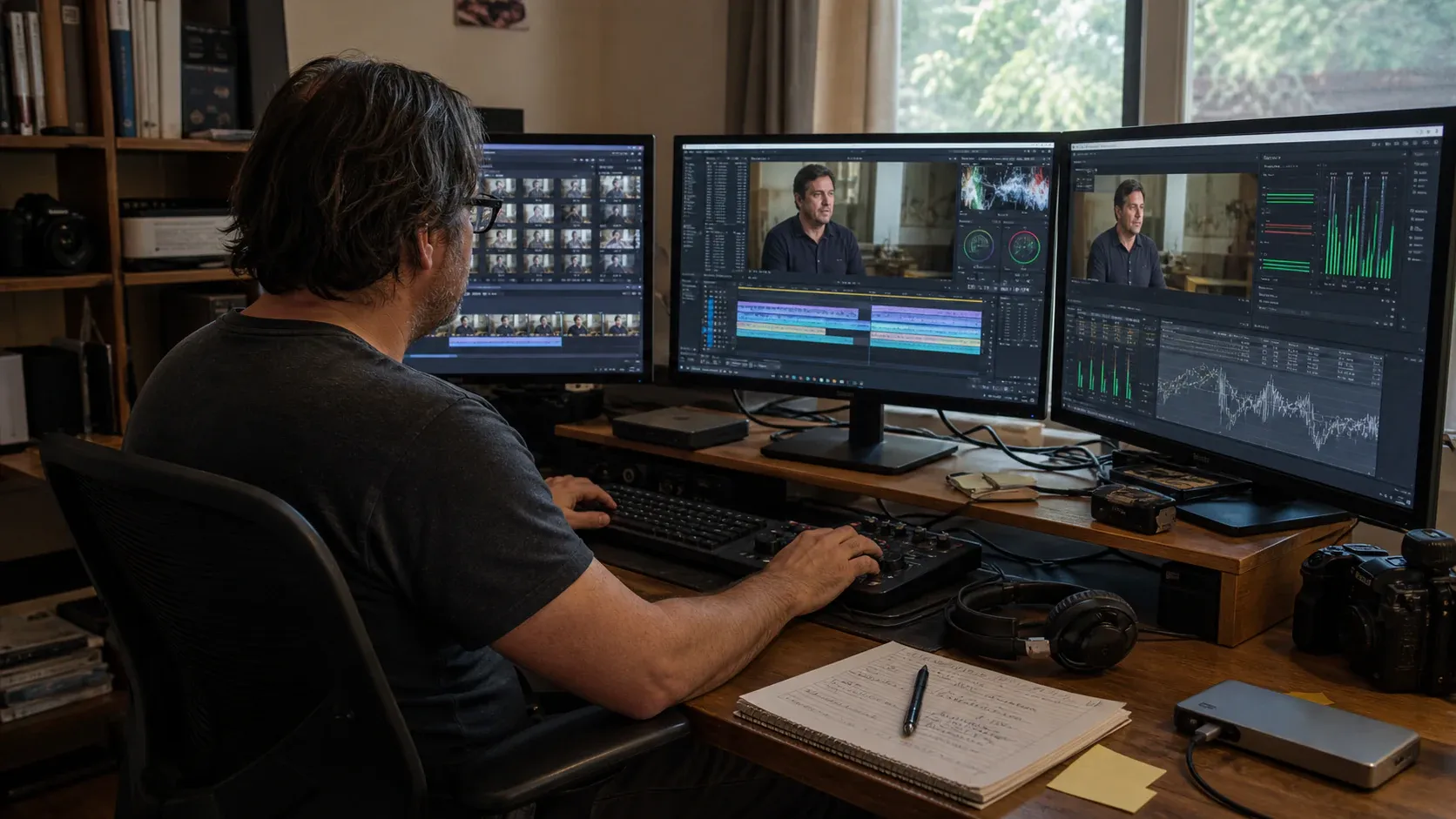
It is no longer accurate to say the professional NLEs are behind on AI.
They shipped. Adobe, Apple, and Blackmagic have each put real machine learning into their editors over the last two release cycles, and some of it is very good. Anyone still arguing that legacy editors ignored this wave has not opened one recently.
But there is a pattern across all three, and the pattern is more interesting than the feature lists.
What Adobe actually shipped
Premiere’s most useful AI addition is Media Intelligence, which analyses imported footage and lets you search visual content and transcribed dialogue. A result can resolve to a relevant range inside a source clip and move directly into a sequence.
It deserves specific credit for something the coverage mostly missed: the analysis runs locally. Adobe is explicit that footage, analysis data, and searches stay on your computer and are not used to train its models. In a market where “AI feature” almost always meant “upload,” Adobe took the harder road on the one feature that touches every frame you import. That was the right call and it does not get said enough.
Alongside it, Generative Extend uses Firefly to add up to two seconds to a video clip and now supports 4K source media. Adobe is also testing a Generative Media Tool that creates video or sound effects from a prompt directly inside the timeline.
The generative features are cloud, as generation has to be. The retrieval is local.
What Apple shipped
Final Cut Pro 12 added Visual Search and Transcript Search, so an editor can find objects, actions, exact spoken phrases, or related language without scrubbing every clip. Beat Detection exposes a song’s bars and beats for timing an edit. The wider intelligent toolset includes Object Tracker, Enhance Light and Color, Smooth Slo-Mo, automatic reframing, and caption generation.
Object tracking and automatic reframing remove genuinely miserable mechanical work. Anyone who has hand-tracked a title through a handheld shot or rebuilt the same sequence for a second aspect ratio understands the value immediately.
The commercial context arrived at the same time: Apple Creator Studio, a $12.99 monthly bundle that now includes Final Cut Pro, though the $299 one-time purchase remains available on the App Store.
What Blackmagic shipped
DaVinci Resolve 21 is the deepest AI surface of the three. It adds IntelliSearch for finding people and objects after media-pool analysis, while retaining the AI-assisted editing and finishing tools introduced in Resolve 20.
AI IntelliScript matches transcribed footage to a script and generates a timeline; Resolve 21 adds Final Draft imports to that workflow. AI MultiCam SmartSwitch can build a multicam cut around the active speaker. AI Set Extender expands a frame from a prompt, while AI Audio Assistant prepares a mix.
IntelliScript and SmartSwitch are the most editorially ambitious AI features shipped by any major NLE. They do not just find material, they arrange it.
Resolve still has a remarkably capable free edition, but the distinction matters: DaVinci Resolve Studio 21 is the $295 edition that adds the DaVinci AI Neural Engine, text-based editing, Magic Mask, additional effects, and other advanced features. It would be misleading to describe the entire AI set as free.
The pattern
Line those up and something becomes visible.
Most of these are discrete features, invoked deliberately, at a moment the editor chooses, on a selection the editor has already made. IntelliScript and Premiere’s Generative Media beta reach further, but they still address bounded parts of the job.
You select footage and run Object Tracker. You open the search panel and type a query. You point IntelliScript at a script. Each feature does one well-defined job and hands control straight back.
This is a sound design philosophy. It is how professional tools have always worked, it is predictable, and it respects the editor’s authority over every step. Nobody at Adobe or Apple made a mistake here.
But it means the editor is still the integration layer.
You are the one who decides that this job needs a search, then a rough assembly, then a caption pass, then a reformat to vertical, then a second version for LinkedIn. You hold the sequence of operations in your head and execute them one at a time, because no part of the software holds the intent that connects them.
For a five-step job that is fine. For the fortieth variant of a campaign it is the actual work, and it is not creative work.
The major NLEs increasingly answer the question you ask. Their default workflow still expects you to hold the reason, order, and dependencies between those questions.
What the missing layer looks like
The gap is not a smarter individual feature. It is a layer above the features that can take a stated intent, decide which operations serve it, and carry them out as reviewable steps.
Concretely, that means something that can accept “cut a 45-second vertical version of this for LinkedIn, keep the demo failure and the reaction, add captions” and turn it into a sequence of ordinary timeline operations you can inspect before and after.
Not a black box that emits a finished file. A plan you can read, that becomes trims, inserts, a new sequence at the right aspect ratio, a caption pass, and gap closure, all landing on a timeline you can then fix by hand.
The difference between that and IntelliScript is delegation of the whole task rather than automation of one step.
Why the incumbents will be slow here
This is not a competence problem. It is a structural one, and there are four good reasons.
Backwards compatibility. These applications open projects from a decade ago. Every new subsystem has to survive contact with that history. Adding a layer that programmatically mutates timelines is a very different risk profile from adding a button that masks an object.
The scripting layers were built for different operators. Premiere and Resolve expose automation for panels, integrations, and production pipelines. An agent needs a different contract: explicit scopes, validated operations, review evidence, and predictable failure states before it can safely compose many timeline changes from one brief.
Installed base risk. An AI feature that occasionally produces a mediocre mask is an annoyance. An automation layer that occasionally rearranges the wrong sequence in a professional facility is a support catastrophe. When millions of people depend on your software for delivery, the correct pace is cautious.
Ecosystem gravity. Plugins, panels, shared storage, colour pipelines, and studio workflows all assume the current architecture. Every one of those is a constituency.
None of these are excuses. They are real engineering constraints that come with being the tool everyone already uses. They also mean the layer will probably arrive from outside first, get proven on smaller work, and be absorbed later.
What AVE is and is not
AVE is an attempt at that missing layer, built as a Mac-native editor rather than as an add-on.
The architecture is the argument. Every AI action routes through validated tools that perform real timeline operations, so a request becomes a plan, an approved plan becomes visible edits, and every edit stays inspectable and correctable on a normal multi-track timeline. Larger requests are previewed before they touch the project. The same tool contract is exposed through AVE MCP, so Claude Code or Codex CLI can work inside a project under scoped permissions.
Analysis, timeline execution, and export run locally, and AVE Pro offers $99 Lifetime or optional $9.99/month with the same Pro features and your own choice of AI provider. The seven-day trial needs no card; manual editing and export remain free afterward. See Free and Pro for the current terms.
Now the honest part, because a comparison that only flatters the new tool is not worth reading.
AVE does not have Resolve’s colour science, Fairlight, or Fusion. It does not have Premiere’s ecosystem, its integration with the rest of Creative Cloud, or thirty years of accumulated professional workflow. It does not have Final Cut’s magnetic timeline or its optimisation for Apple hardware at the depth Apple can achieve. It has none of the shared-storage, multi-editor, broadcast-delivery infrastructure that a facility runs on.
If you are grading a feature, mixing a documentary, or cutting on shared storage with three other editors, use the tool built for that. Those are not close calls.
The narrower claim is the one worth making. If your work involves a lot of footage, a lot of variants, and a lot of mechanical assembly between the moment you know what you want and the moment you have something to react to, that middle is currently unautomated in every major NLE, and it is where the hours go.
What to watch
Three things will tell you where this is heading over the next couple of releases.
Whether NLE automation becomes an agent contract. Premiere and Resolve already expose scripting and integration surfaces. The important change will be a supported permission model for composing, reviewing, and verifying many timeline operations from one intent.
Whether the analysis stays local. Adobe set a good precedent with Media Intelligence. If local footage analysis becomes the industry default rather than one company’s choice, that is a meaningful win regardless of which editor you use.
Whether AI features start composing. Premiere’s Generative Media beta is one sign of movement inside the timeline. The bigger tell will be a single instruction that can search, assemble, caption, reformat, finish, and verify a sequence as reviewable steps.
You can see what AVE does on the timeline, read how the Ask, Plan, review, and export flow works, compare AVE with DaVinci Resolve, or start with the broader AI video editor for Mac workflow.
The features arrived. The orchestration layer is beginning to appear, but it is not yet the default editing model. That is the interesting part of the next few years.