Agentic video editing, and what it means when Claude Code can cut your timeline
MCP turned coding assistants into tool users. See what agentic video editing can do in AVE, how approval works, and where the boundary sits.
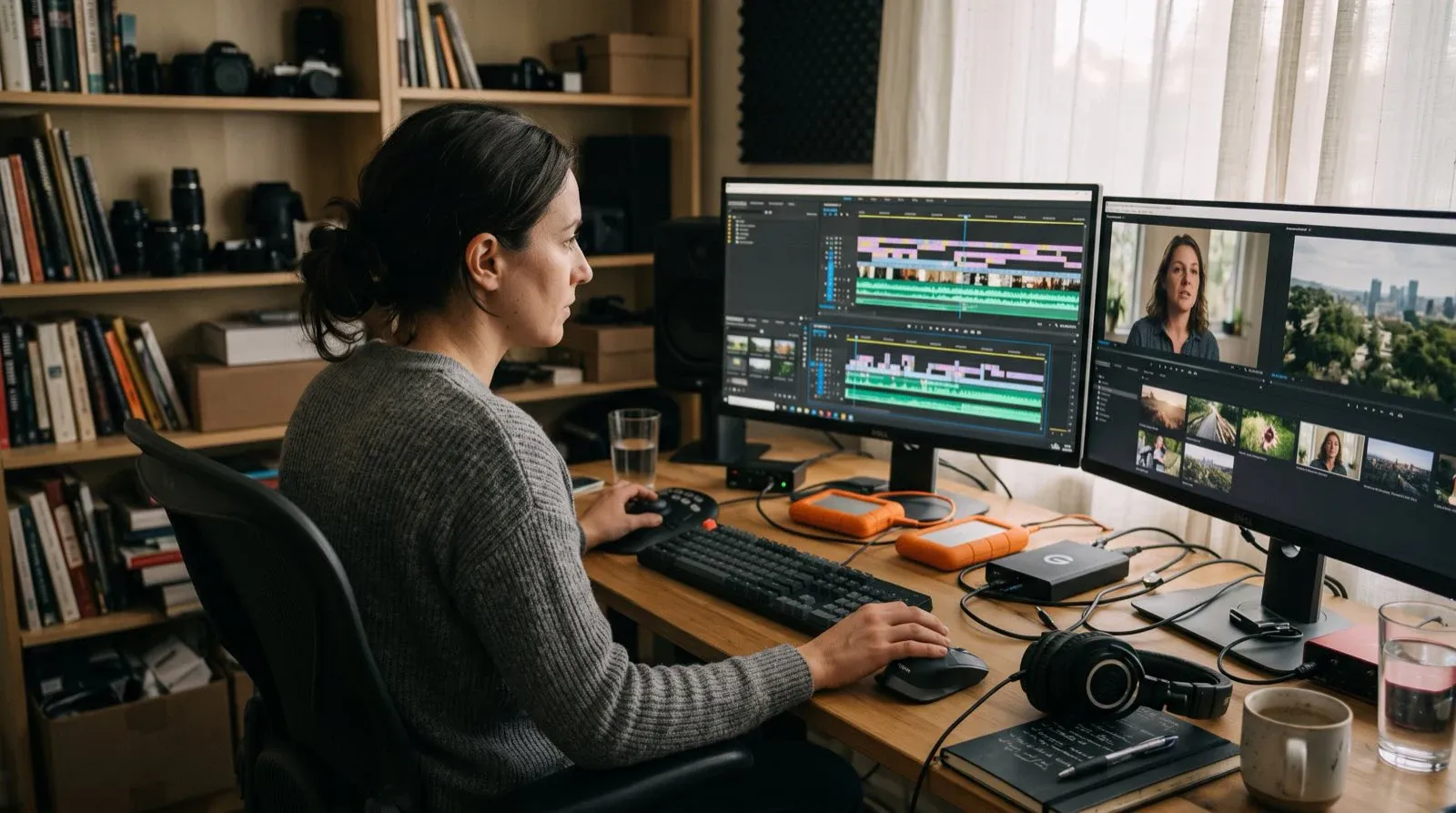
A year ago, asking a coding assistant to edit a video was a category error. The assistant lived in a terminal. The video lived in an application that had no idea the terminal existed.
That gap closed faster than most people in post-production noticed.
How this happened
Anthropic published the Model Context Protocol in November 2024 as a standard way for a model to call external tools. It solved an unglamorous problem: every integration between an assistant and an application was bespoke, so nobody built many of them.
The protocol spread quickly, picked up by OpenAI, Google, and Microsoft, and in December 2025 it joined the Agentic AI Foundation under the Linux Foundation. It is now vendor-neutral infrastructure rather than one company’s protocol.
For editors, the consequence is simple. If an application exposes an MCP server, the assistant you already use can operate it. Video editing is a legitimate target because editing is unusually well suited to being described in structured operations. Trim this clip to these timecodes. Insert this range on that track. Add a transition here.
Those are function calls wearing creative clothing.
What agentic editing actually looks like
The demos oversell it, so here is the unremarkable version.
You are in a terminal, in the middle of something else. You say: find every moment in the customer interviews where somebody talks about onboarding friction, and give me the timecodes.
The assistant calls a search tool. The editor searches its analysed footage. Timecodes come back.
You read them, pick four, and say: build a sequence from those, in order, with two seconds of handle on each.
The assistant calls the tools. The sequence exists. You open the editor and look at it.
That is the whole thing. No conversation with a creative partner, no autonomous filmmaking. A structured request, a set of tool calls, and a result on a timeline you can inspect.
The reason it is useful is not that it is impressive. It is that the mechanical middle of an edit, the part between knowing what you want and having something to react to, collapses from twenty minutes of scrubbing into one instruction.
What changed in AVE 1.1
AVE 1.1 makes that loop considerably more complete.
The Assistant is now aware of the global Asset Library across local AVE projects. If the footage needed for an edit is missing from the current project, it can search the library by filename, visual analysis, transcript-derived labels, tags, or project context. It can present the relevant matches, import the footage you choose, and continue the original edit instead of stopping at a list of suggestions.
That does not turn the library into a cloud footage pool. The search and imports happen between AVE projects on the same Mac, and the selected media becomes a normal project asset before timeline work continues.
Ask, Plan, the AVE command line, and MCP now use the same typed editing contract. Complete reversible requests can execute directly through history-checkpointed timeline commands. Destructive work and project-resource changes remain reviewable. The practical difference is that an agent can finish a well-scoped request without manufacturing an unnecessary approval step, while the actions that deserve friction still have it.
The same release adds an ave command-line workflow for reading timeline state, searching and inspecting footage, transcribing assets, rendering review frames, calling editor tools, and applying declarative composition documents. Those documents reconcile stable clip IDs against the current timeline rather than treating an edit as an opaque one-shot prompt.
Inside the editor, 1.1 also adds Ripple, Roll, and Slip tools, same-track clip swapping, direct visual fades, clip alignment, richer opacity and audio automation, and tighter transition controls. You can read the complete AVE 1.1 release notes or see the current editing and footage capabilities.
Two ways to build it
There are two coherent architectures here, and the difference matters more than it first appears.
The bridge. An MCP server sits alongside an existing NLE and drives it from outside. Jumper does this well, connecting Claude and Codex to Premiere Pro, DaVinci Resolve, Final Cut Pro, and Avid, with visual, transcript, and face-based search plus exports. Footage stays on your machine and the agent receives only metadata. If you are committed to Premiere or Avid and you want agentic search on top, this is the sensible answer, and it is a genuinely good product.
The constraint is inherent to the approach. A bridge can only reach what the host application exposes to automation, and professional NLEs expose search and export far more readily than fine-grained timeline mutation. You get excellent retrieval into an editor you already know.
The native surface. The editor is built with the tool contract as part of its architecture, so the same validated operations serve the in-app assistant and the external agent. Nothing is being remote-controlled, because there is no outside.
AVE takes the second approach, mostly because it was already necessary. AVE’s own Ask and Plan modes have to route every AI action through validated tools that make real timeline changes. Once that layer exists and is safe enough to expose to your own assistant, exposing it to an external one is a permissions problem rather than an architecture problem.
Neither approach is universally correct. If your studio runs on Avid, a bridge is your only realistic path. If you want the agent to actually construct edits rather than find material for you to construct them from, the native surface goes further.
The permission question is the whole design
An assistant that can search your footage is a convenience. An assistant that can modify a timeline and trigger an export is something else, and it deserves more care than the enthusiasm around agents usually gives it.
The failure mode is not dramatic. It is an agent that takes a reasonable-sounding instruction slightly too literally, does nine correct things and one wrong one, and reports success. In code, you have git. In video, an overwritten sequence at 2am before a delivery is a worse afternoon.
So the boundaries in AVE MCP are deliberately narrow.
There are 26 tools, gated by 9 separate access scopes: project discovery, project read, timeline review, media import, project creation, timeline propose, timeline execute, footage memory management, and export. Propose and execute are distinct scopes on purpose. An assistant can be allowed to draft an edit while being unable to apply one.
One of those tools, ave_review_batch_selects, opens AVE’s native Batch Selects review for 1 to 50 exact imported videos. The agent does not receive a completed edit. You review the suggested removals and shot boundaries in AVE, then accept a new sequence or cancel without changing the project.
Consequential work asks for approval by default. There is an opt-in “approve for me” setting per assistant, for people who want a more autonomous loop and understand what they are choosing.
Source footage does not pass through the connection. The assistant receives scoped project information and, when allowed, bounded rendered review frames so it can check what the edit actually looks like rather than reasoning blindly about timecodes.
And it is local by construction. AVE MCP connects to Codex CLI and Claude Code installed on the same Mac. It is not a public MCP endpoint, not a cloud connector, and not something anyone reaches over a network.
Give an agent the ability to propose everything and the ability to apply very little. Widen the second one only after it has earned it on your own projects.
Who chooses the plan
One choice turns out to matter more than expected in practice: who does the thinking.
In one mode, the connected assistant orchestrates the request and AVE’s configured editing assistant builds the edit plan. AVE knows the project, the analysis, and the tool semantics, so the plan tends to be well-formed.
In the other, Codex or Claude Code reads the project context and authors the plan itself, sending validated actions to AVE for local execution. This is better when the request needs reasoning that reaches outside the editor, because your assistant is already holding the rest of the context.
The second mode is the more interesting one, and it is where the workflow stops resembling video software.
If the assistant can read your repository, your release notes, and your changelog, then “make a release video for the features in this milestone” is not a vague creative brief. It is a request the agent can ground in files it can actually read, resolved against footage the editor has actually analysed.
That is a genuinely new capability, not a faster version of an old one.
What it is not
Some honesty about the limits, because the gap between the demo and the Tuesday is where trust gets lost.
Agents are good at retrieval, structure, and mechanical operations. They are good at “find,” “assemble,” “trim to,” “conform to this format,” “caption this.”
They are not good at taste. They cannot tell you the cut lands two frames late, that the second take has the better read even though the first is cleaner, or that the joke does not work. Pacing, rhythm, and emphasis remain judgment, and judgment is not a tool call.
They are also not a substitute for knowing what you want. A vague instruction produces a confidently wrong result faster than a human would produce a tentatively right one.
The realistic framing is that agentic editing removes the tedium between decisions. It does not remove the decisions. An editor who is clear about the intent gets a great deal out of it. An editor hoping the agent will supply the intent gets a rough cut nobody asked for.
Getting started
If you want to try this, the setup is short.
- Install AVE and import footage you can experiment with safely.
- Let analysis finish, so the tools have transcripts and visual notes to search.
- Open Settings, choose Connections, and connect Codex CLI or Claude Code. Restart that assistant once.
- Start with read-only scopes. Ask it to find things and describe the timeline. Get a feel for how it interprets you.
- Add propose. Read the plans it drafts without applying them.
- Add execute when the plans have been consistently reasonable on your own material.
That progression takes an afternoon, and it is worth doing in that order rather than enabling everything and hoping.
You can read the full AVE MCP tool surface and permission model, see what AVE can do on the timeline, or download AVE and connect an assistant you already have.
The interesting part is not that a coding assistant can edit video. It is that the boring middle of an edit turned out to be a well-defined problem, and well-defined problems are exactly what these tools are for.